Energy Models from Archicad Projects
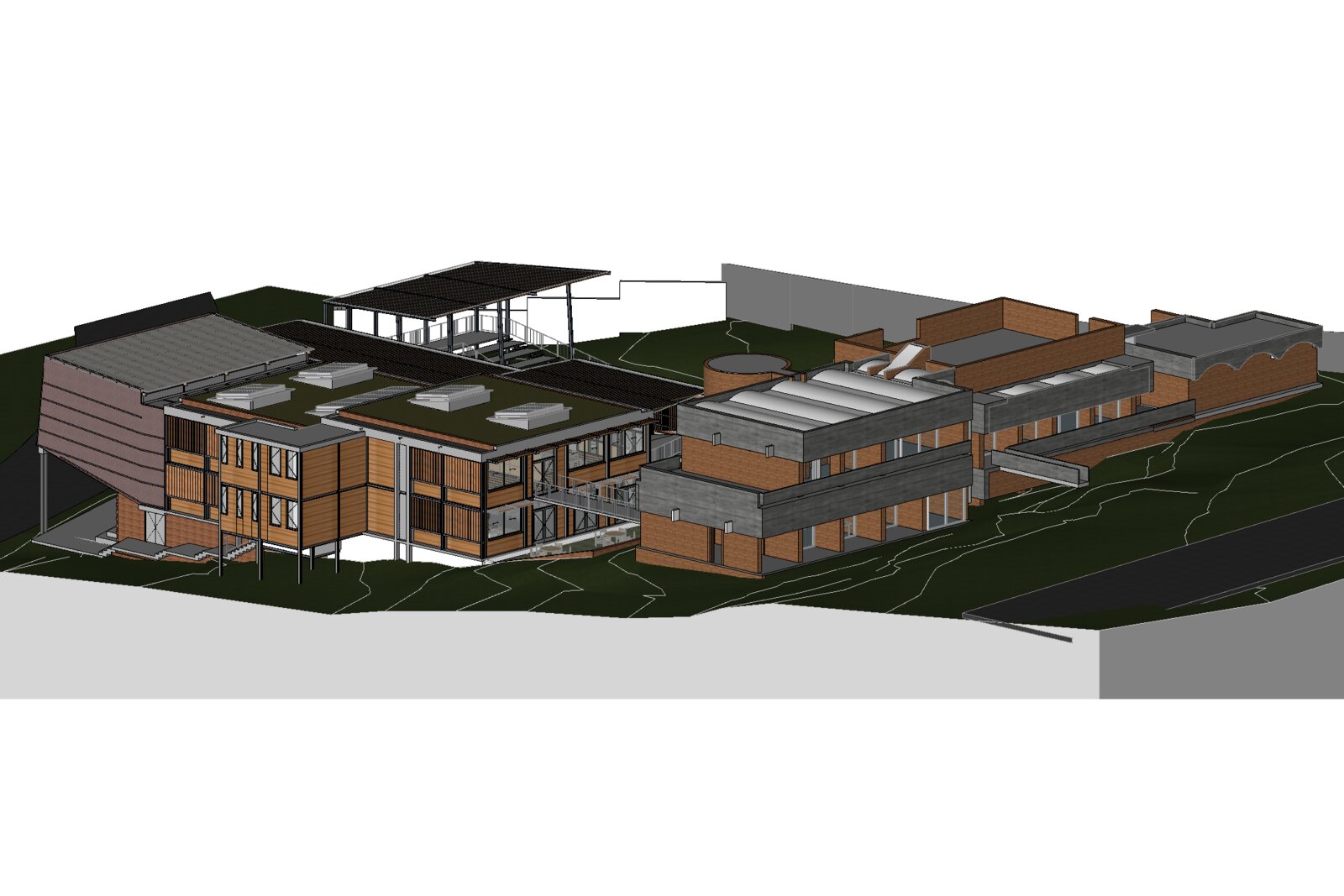
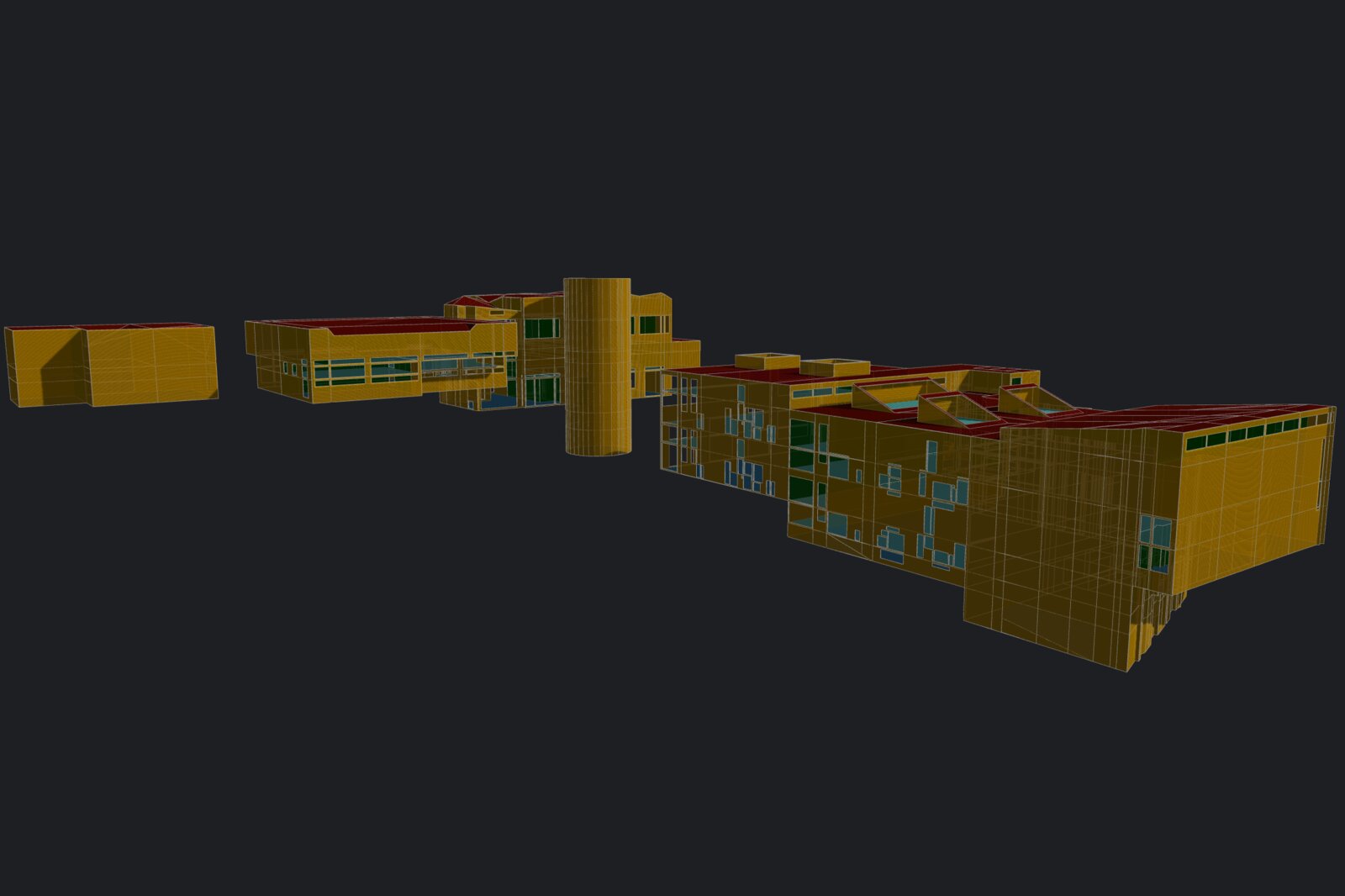
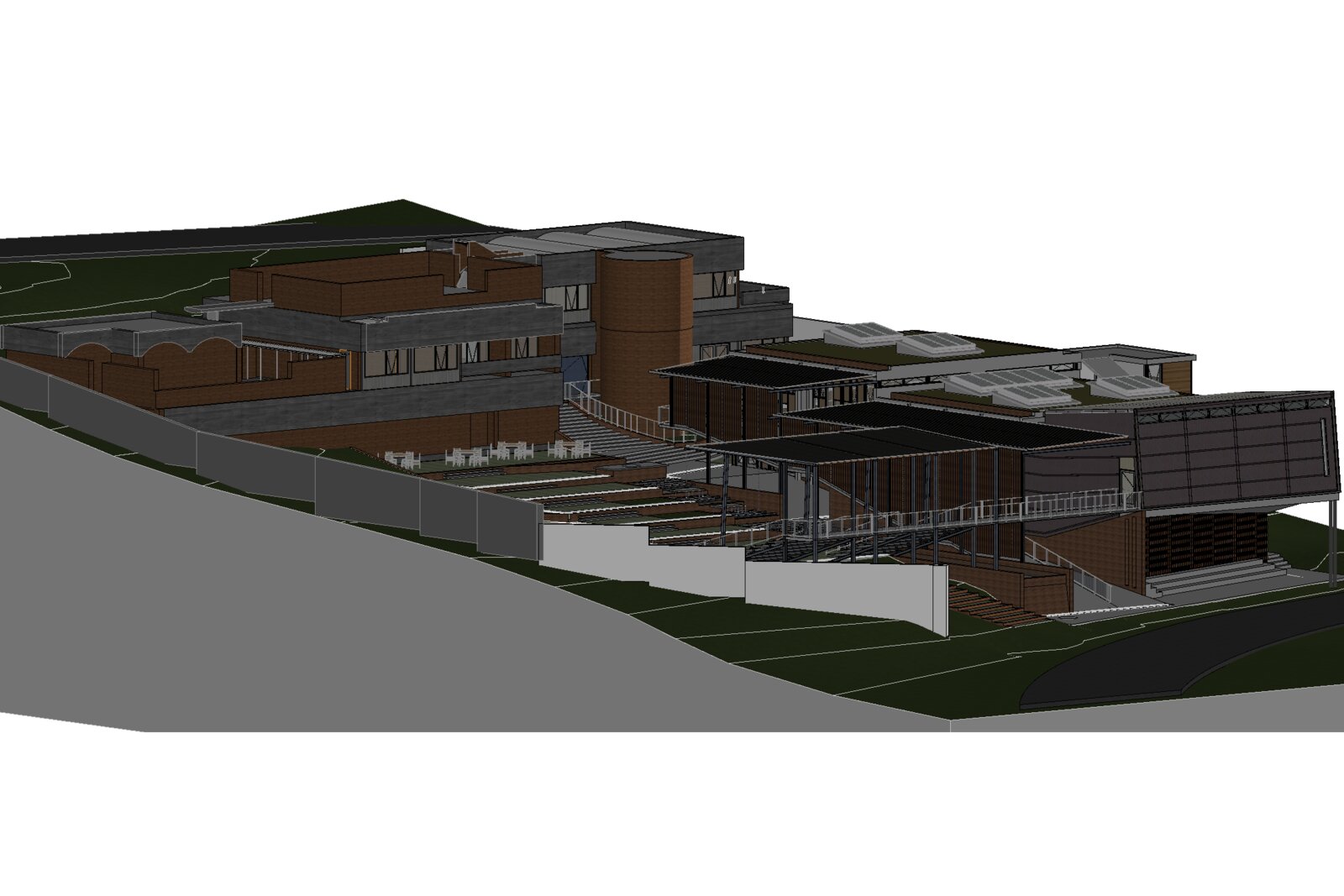
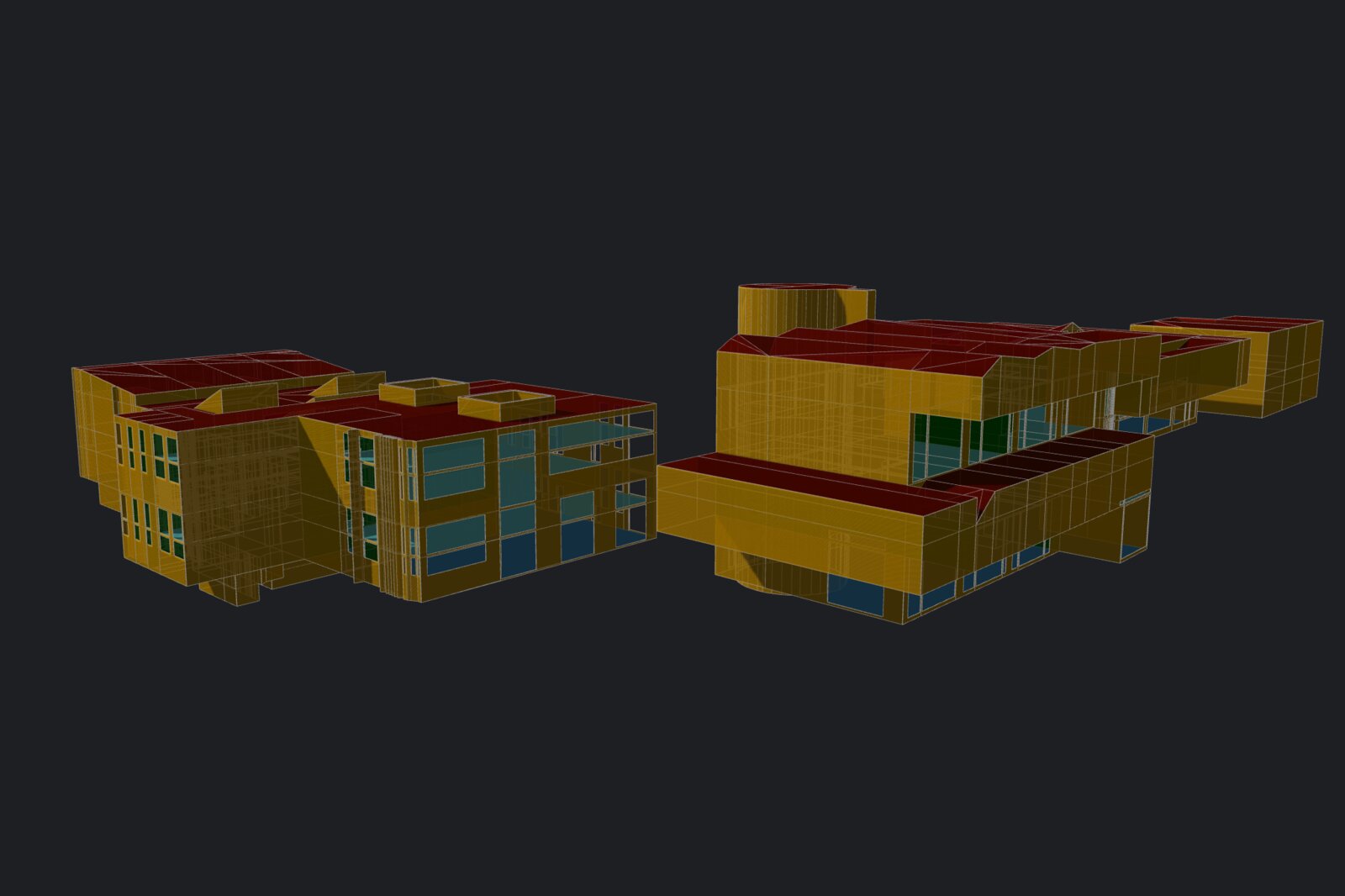
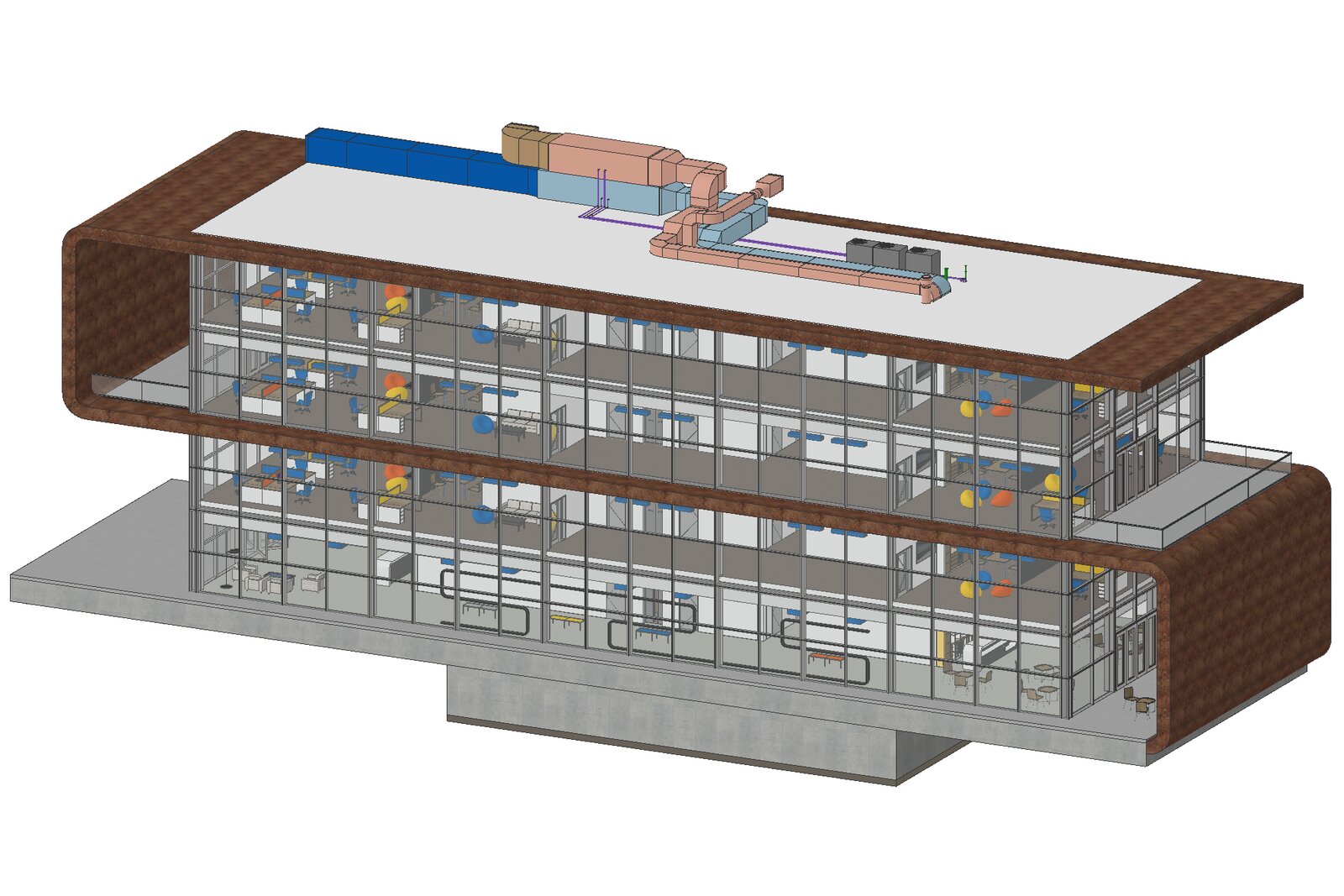
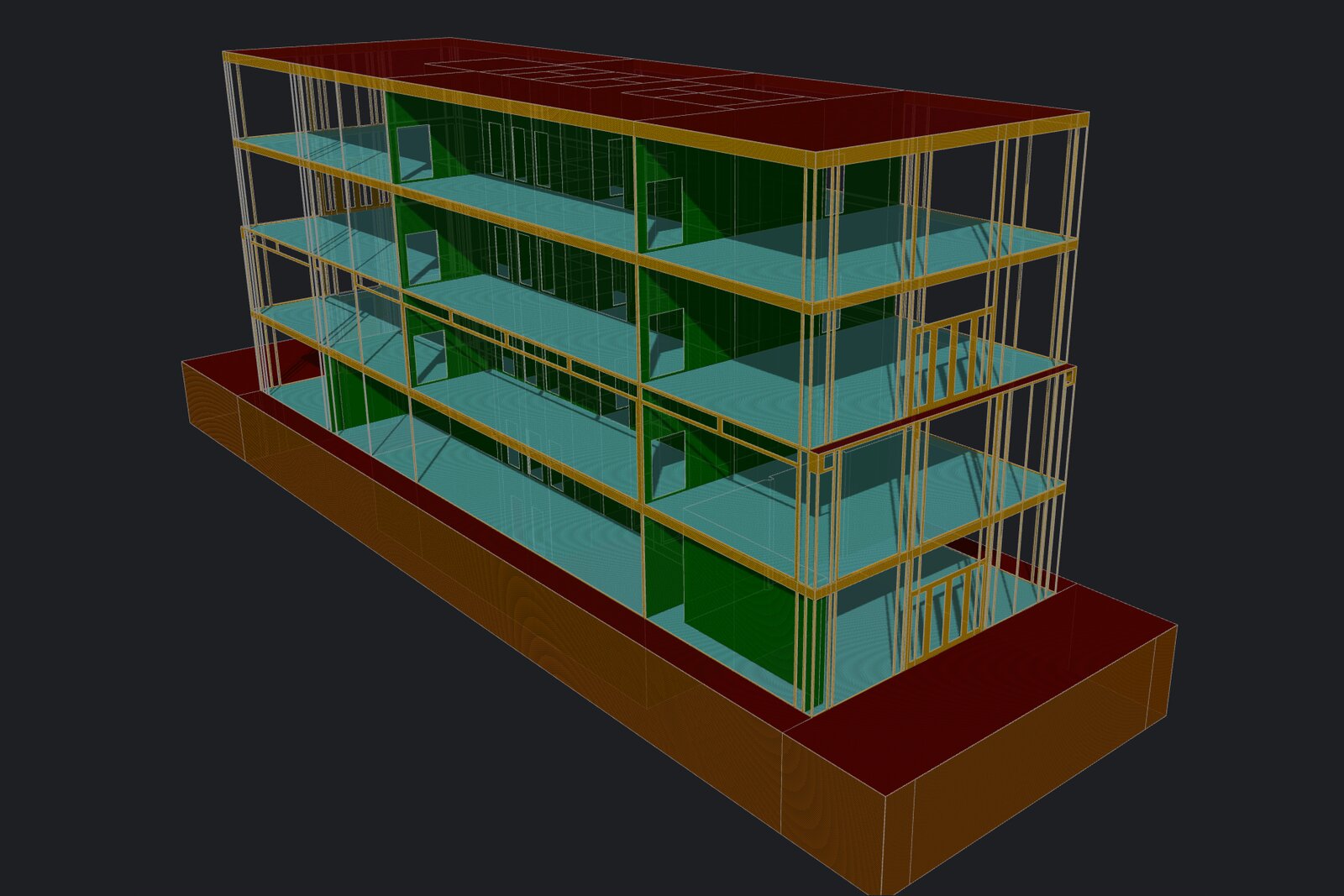
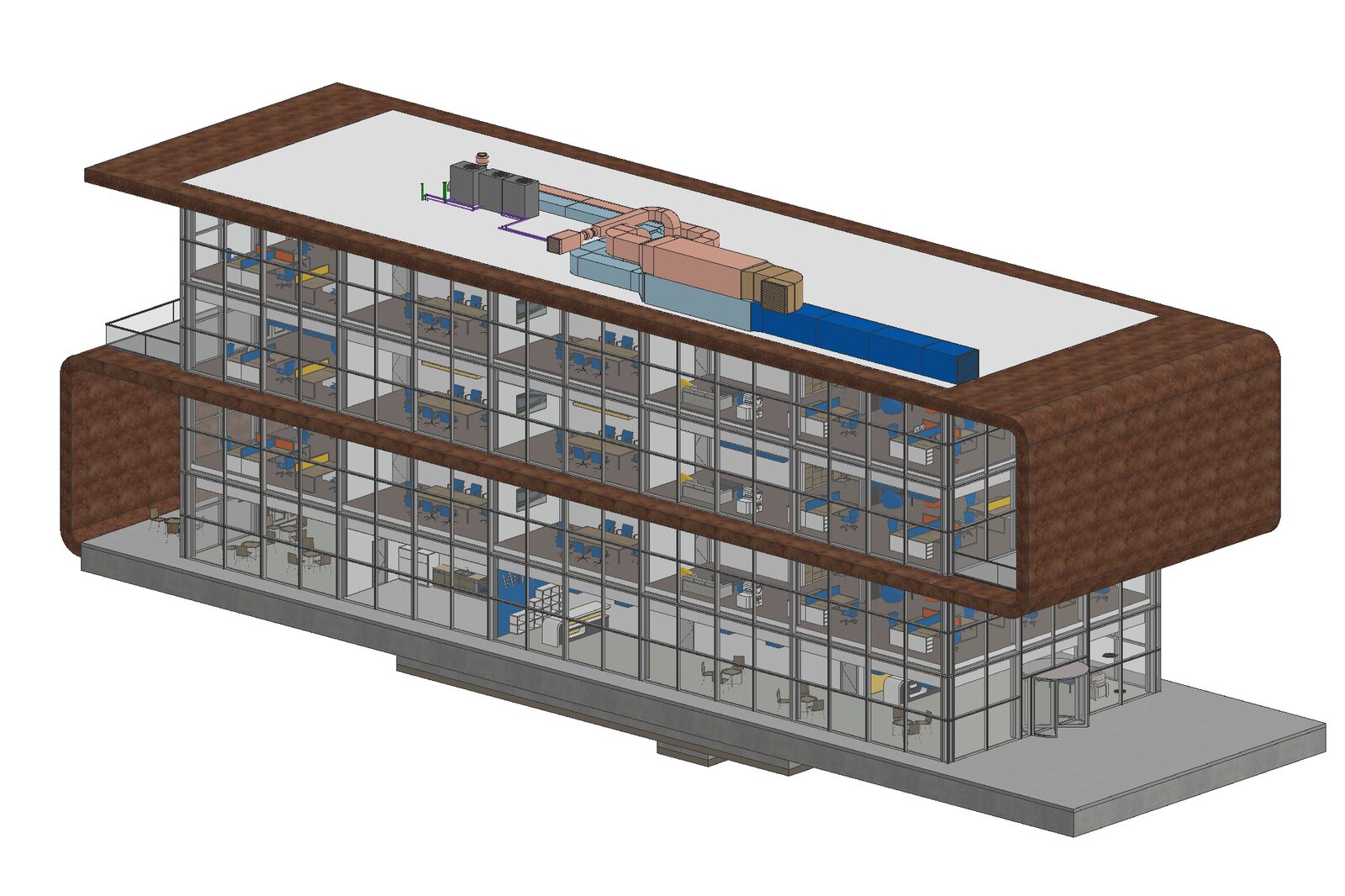
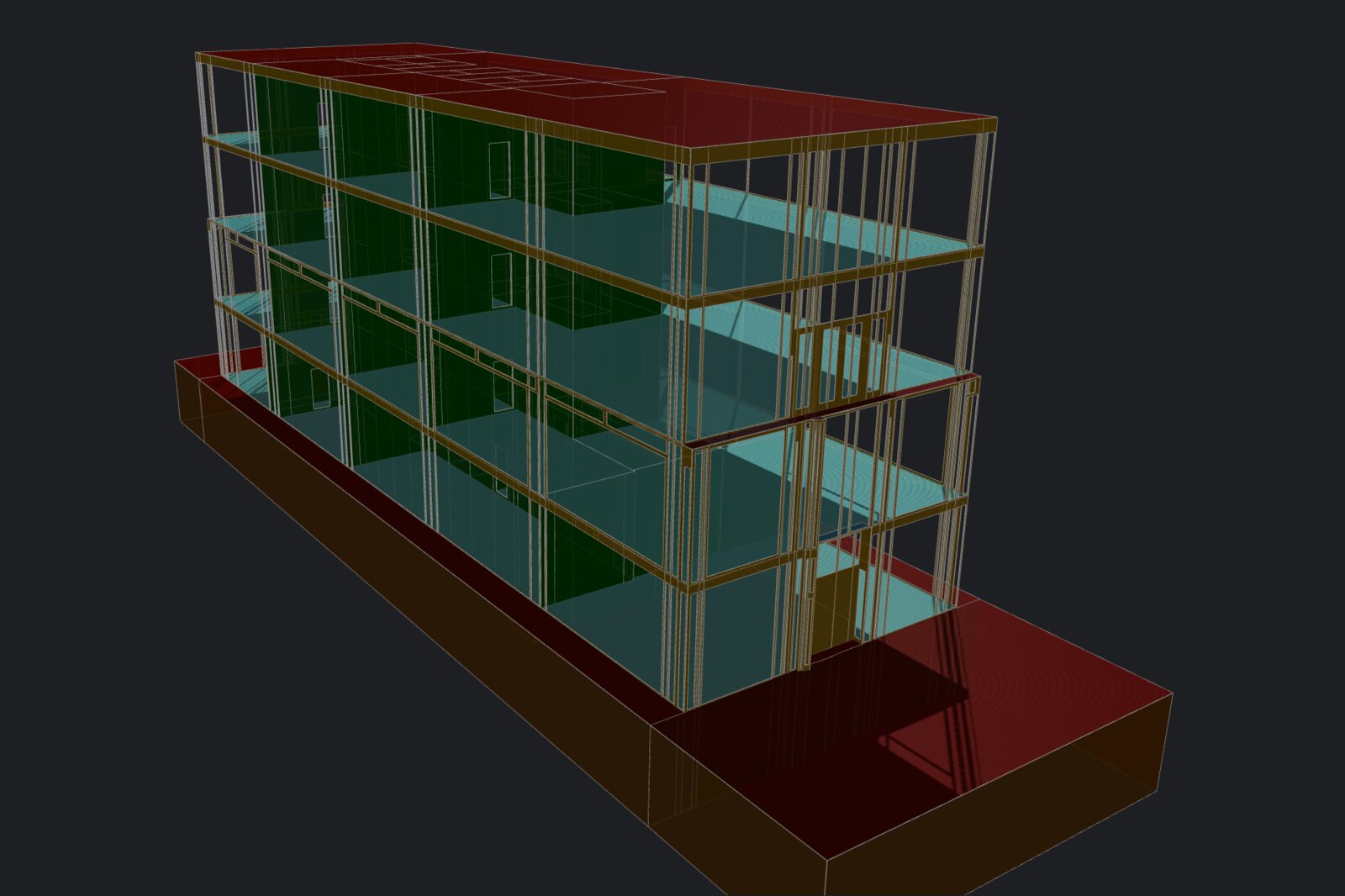
Tevmo builds gbXML energy models from Archicad projects. The architect works in Archicad as usual. The project is exported to IFC, the IFC file is imported into Tevmo, and the program assembles the energy model: walls, floors, roofs, windows and doors of the building become analytical surfaces and openings of the spaces. The result is exported to gbXML for ASHRAE cooling and heating load calculations and energy analysis.
How it works
- Export the project from Archicad to IFC.
- Import the IFC file into Tevmo.
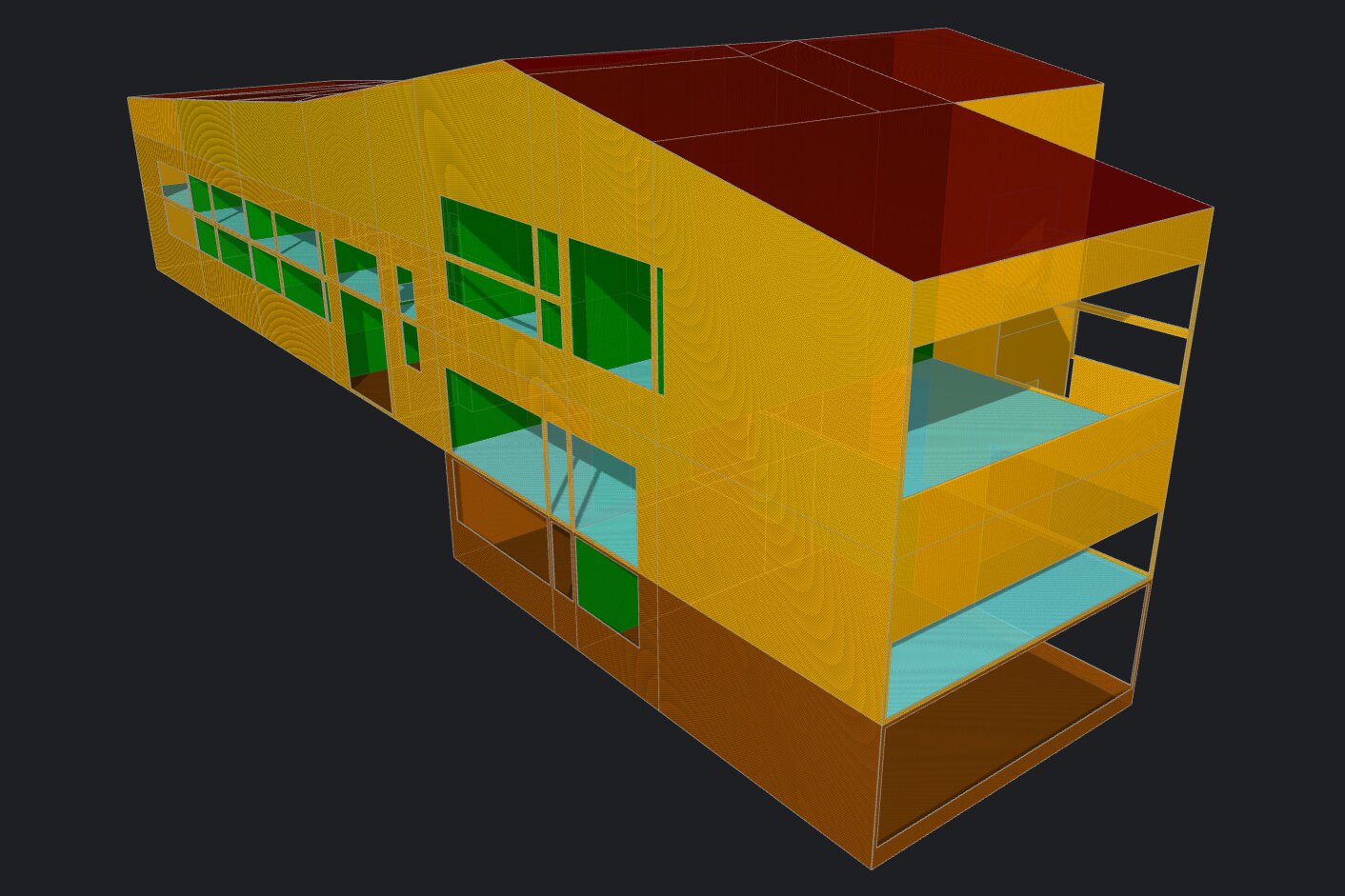
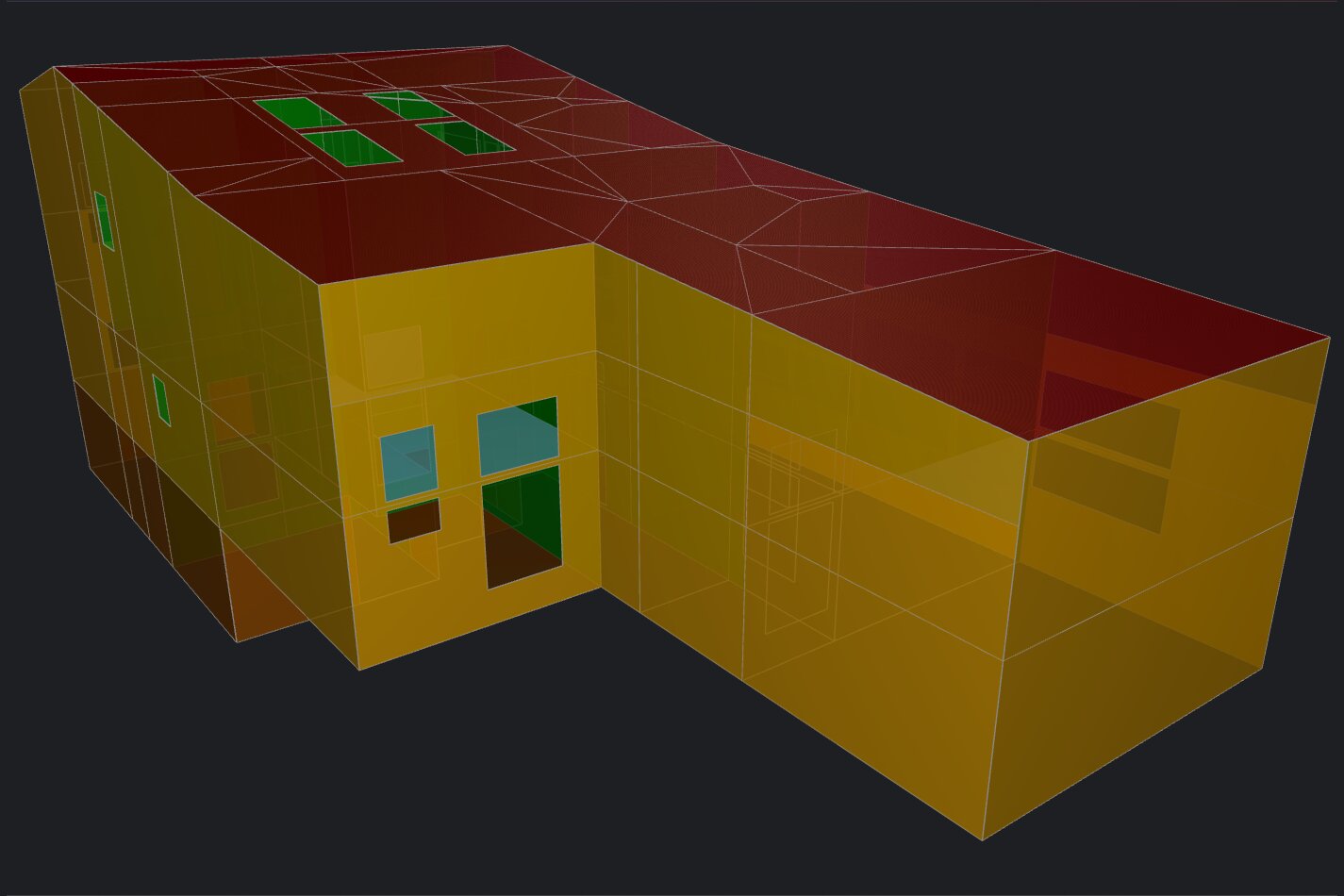
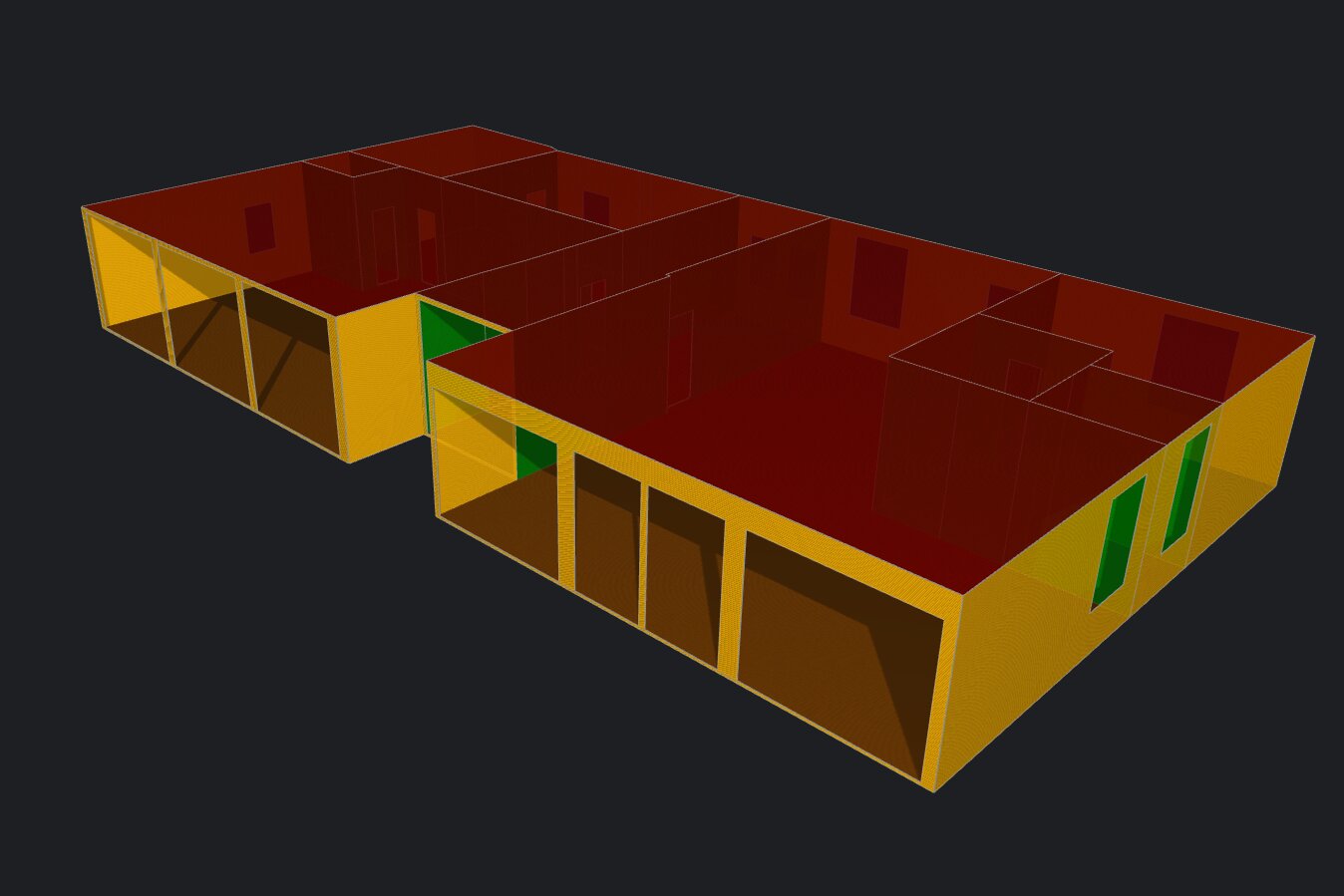
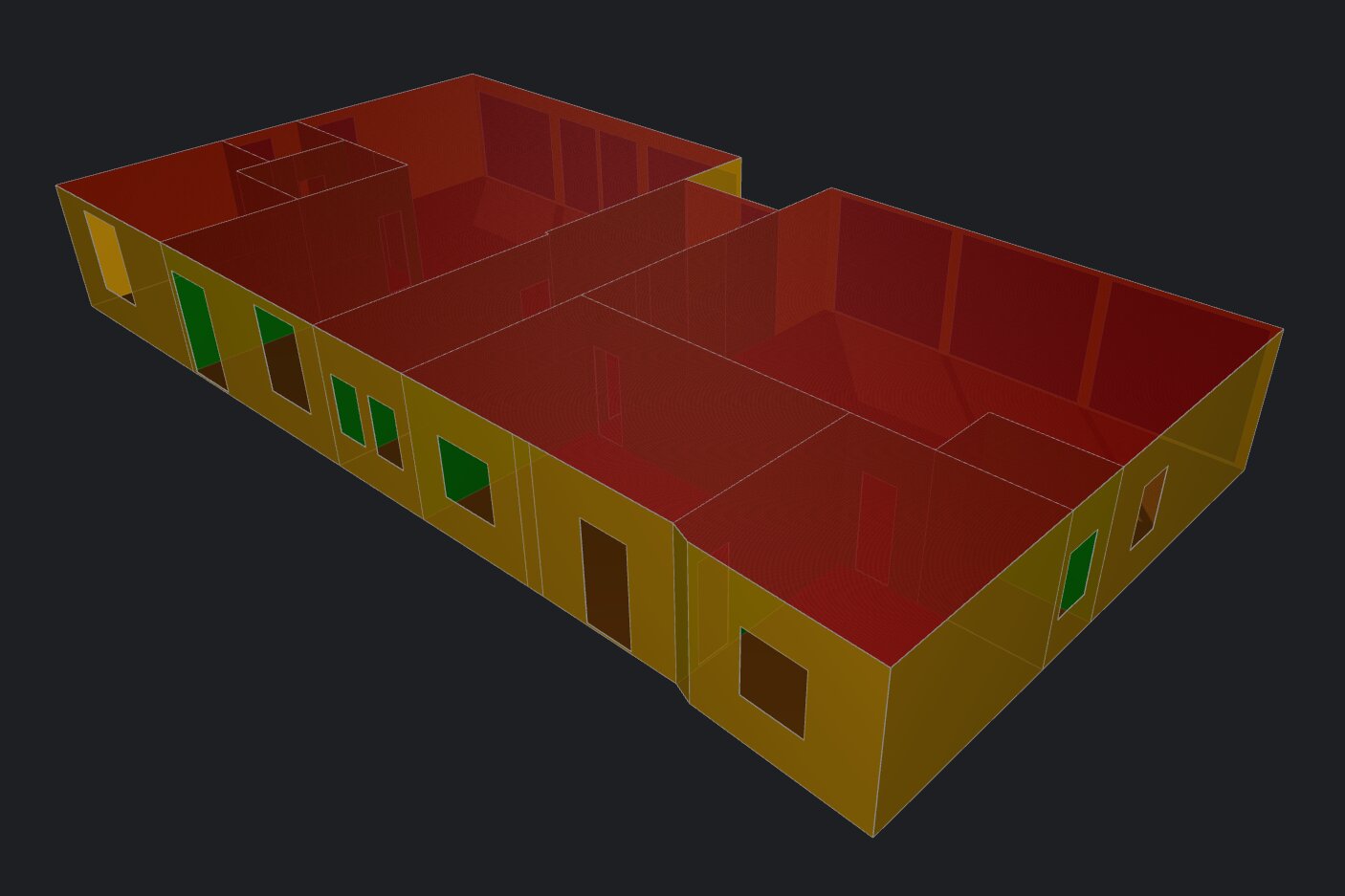
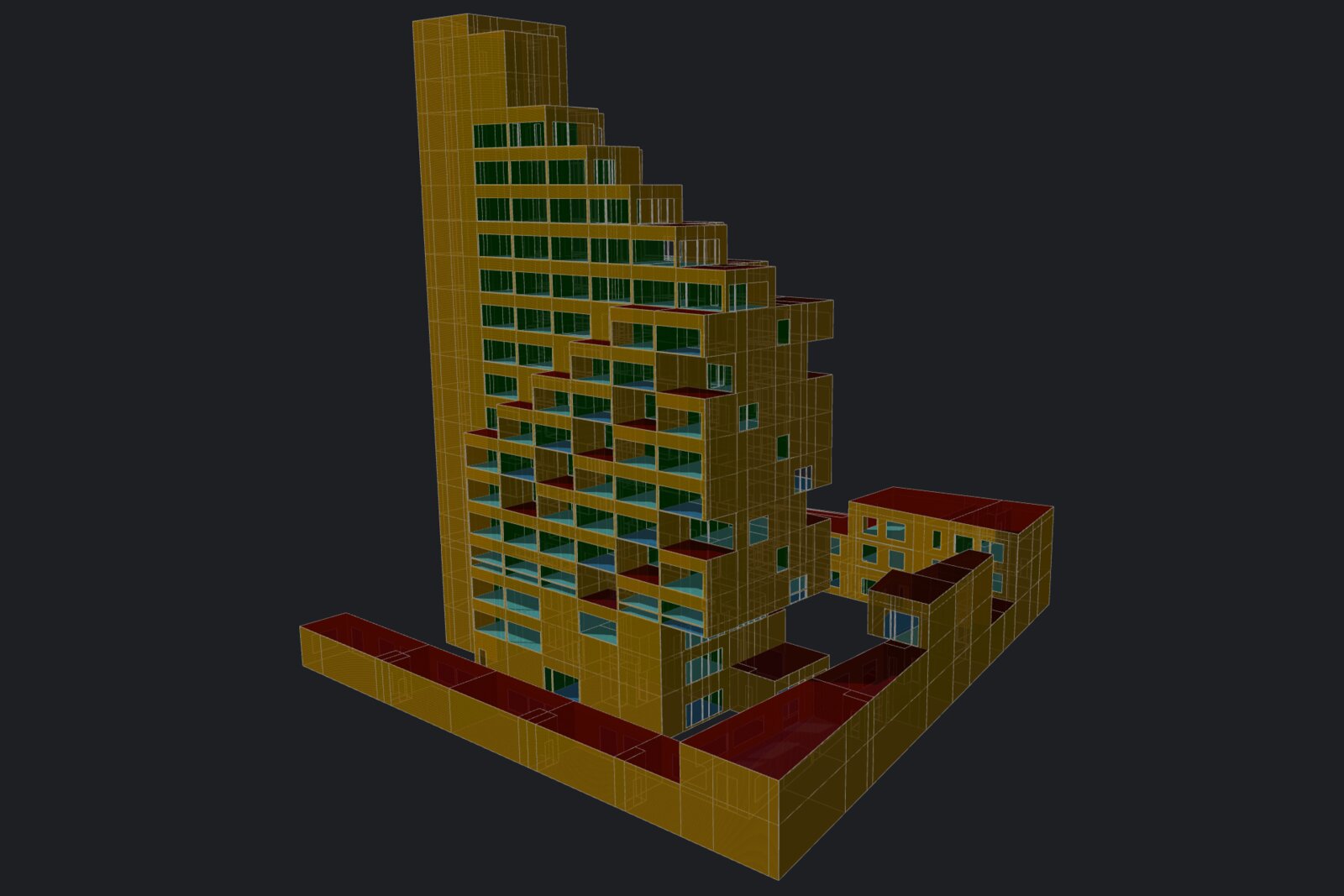
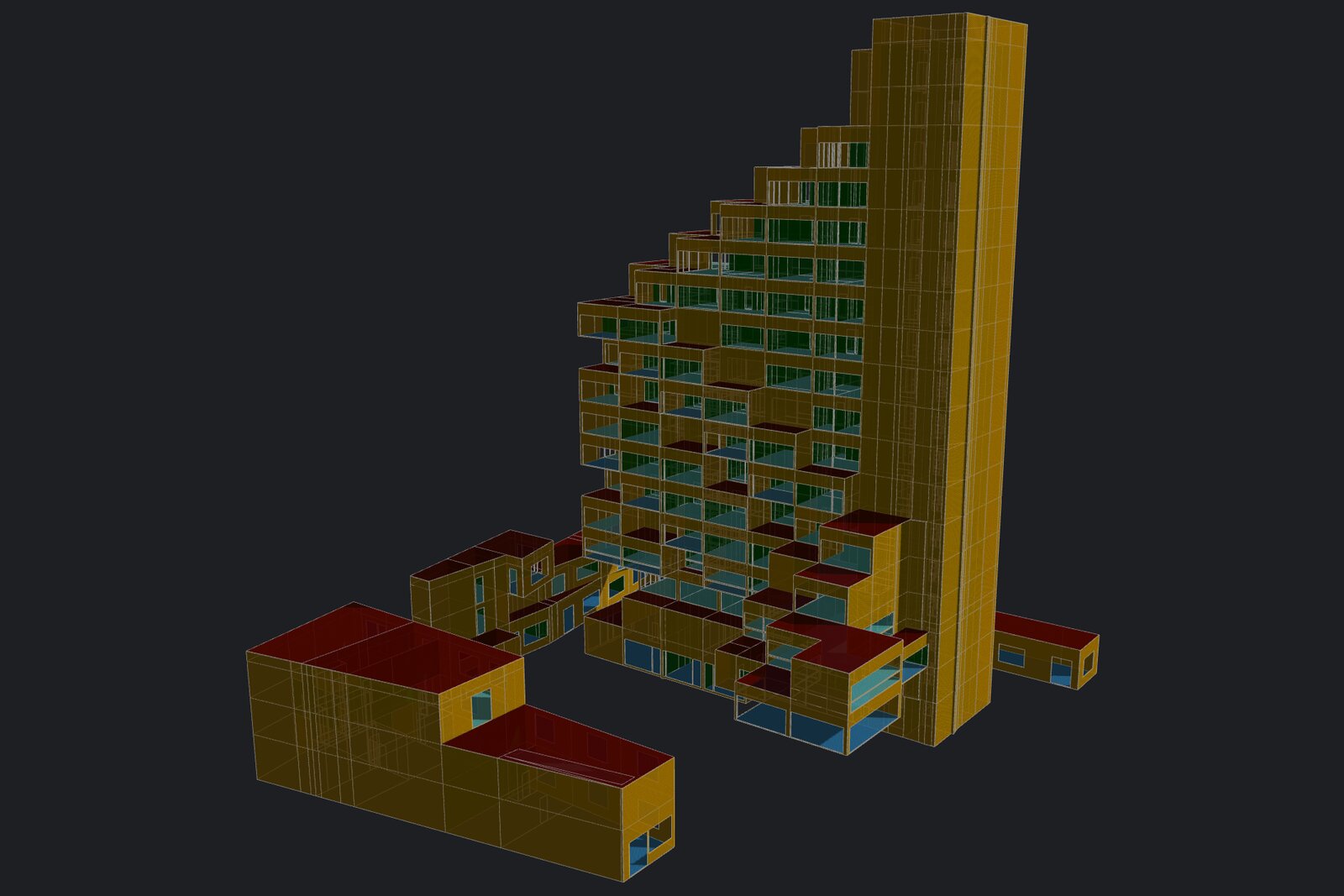
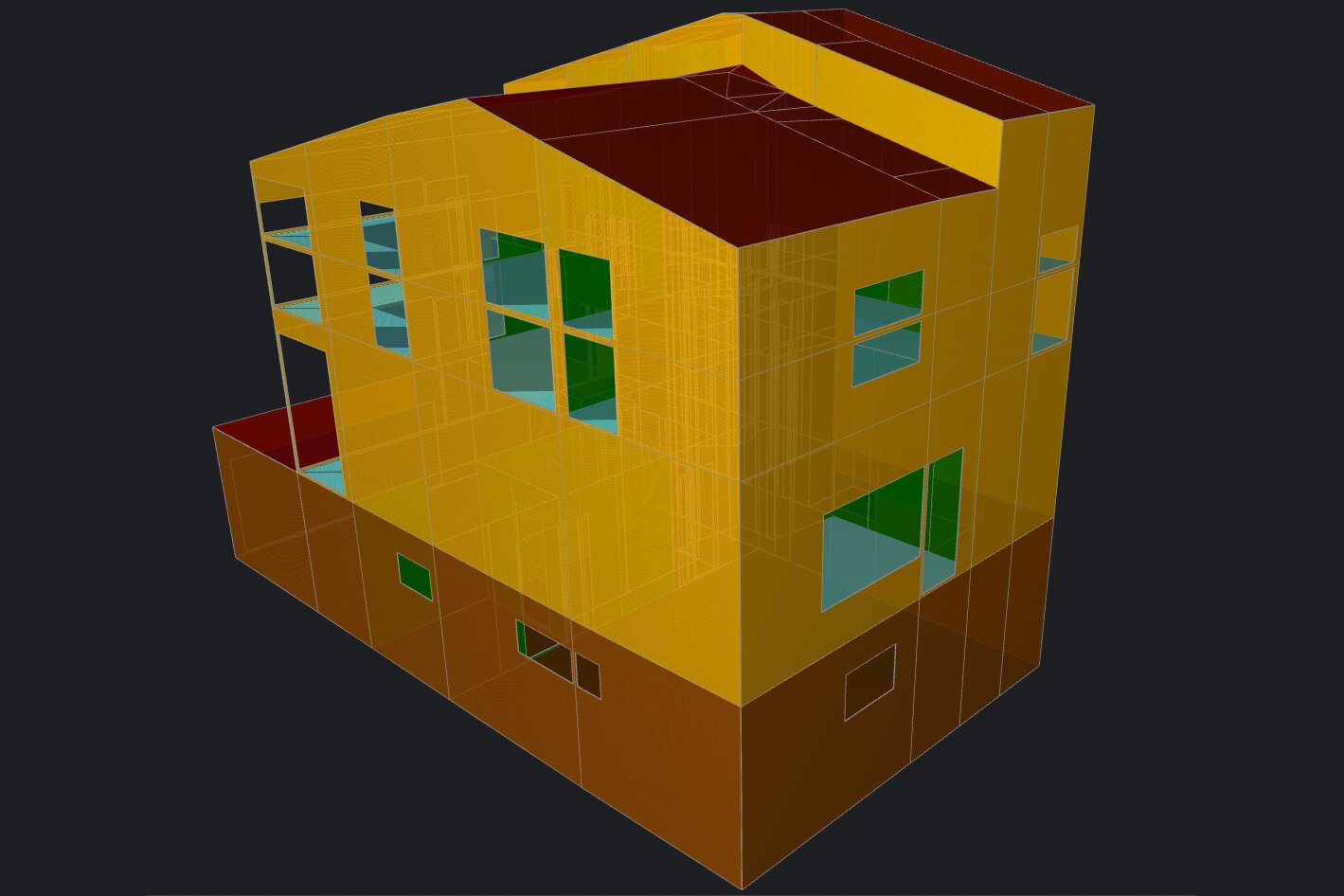
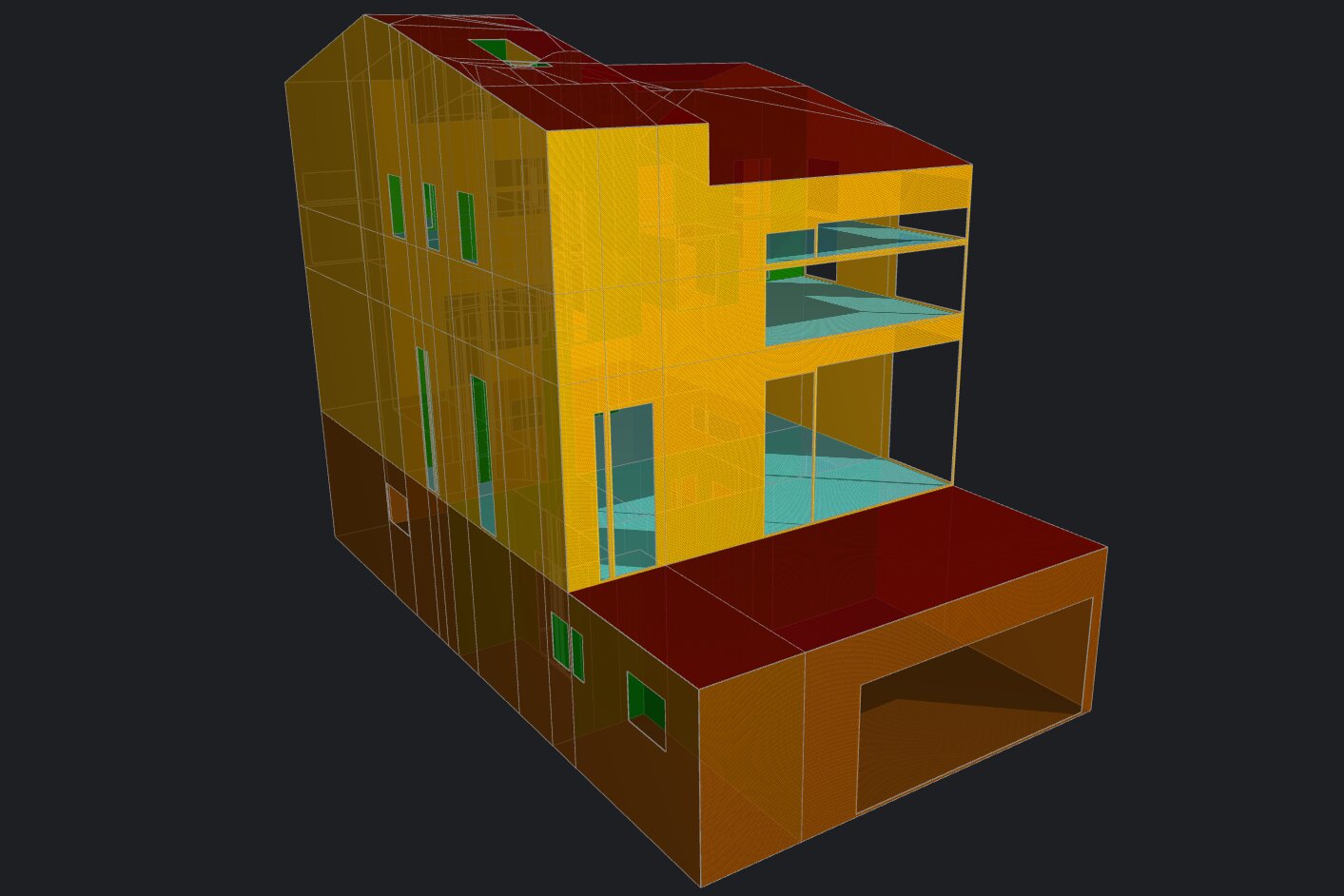
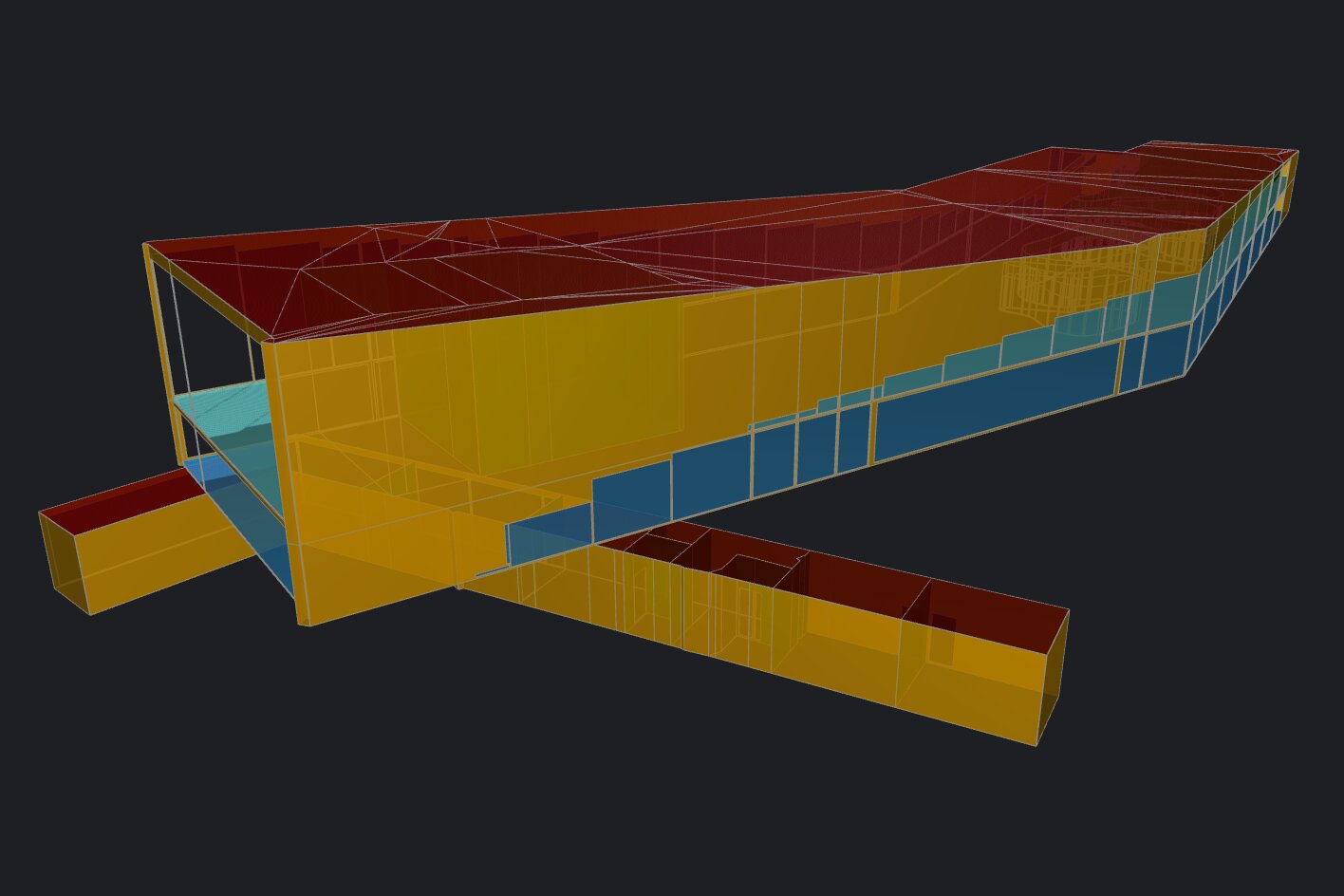
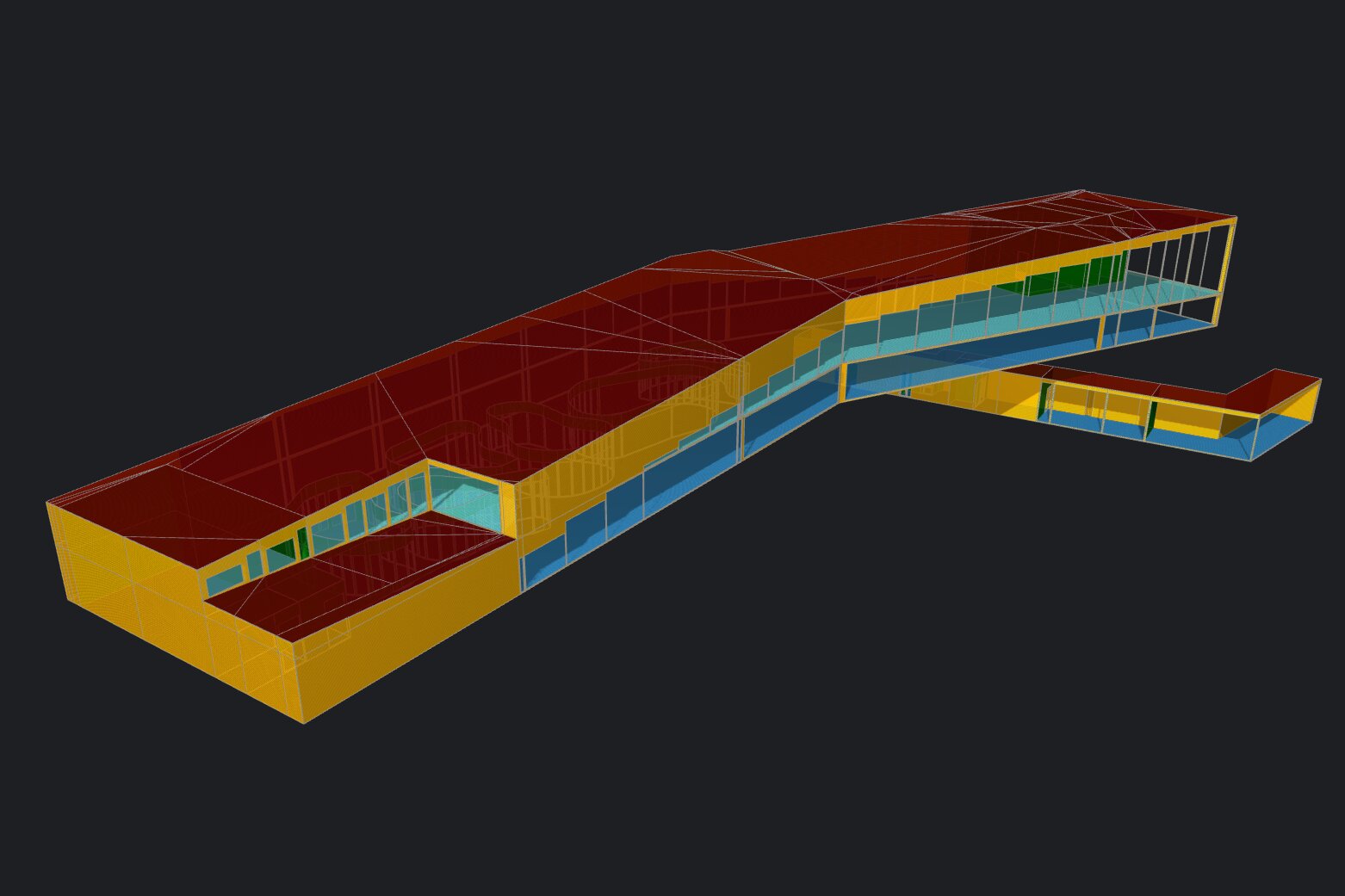
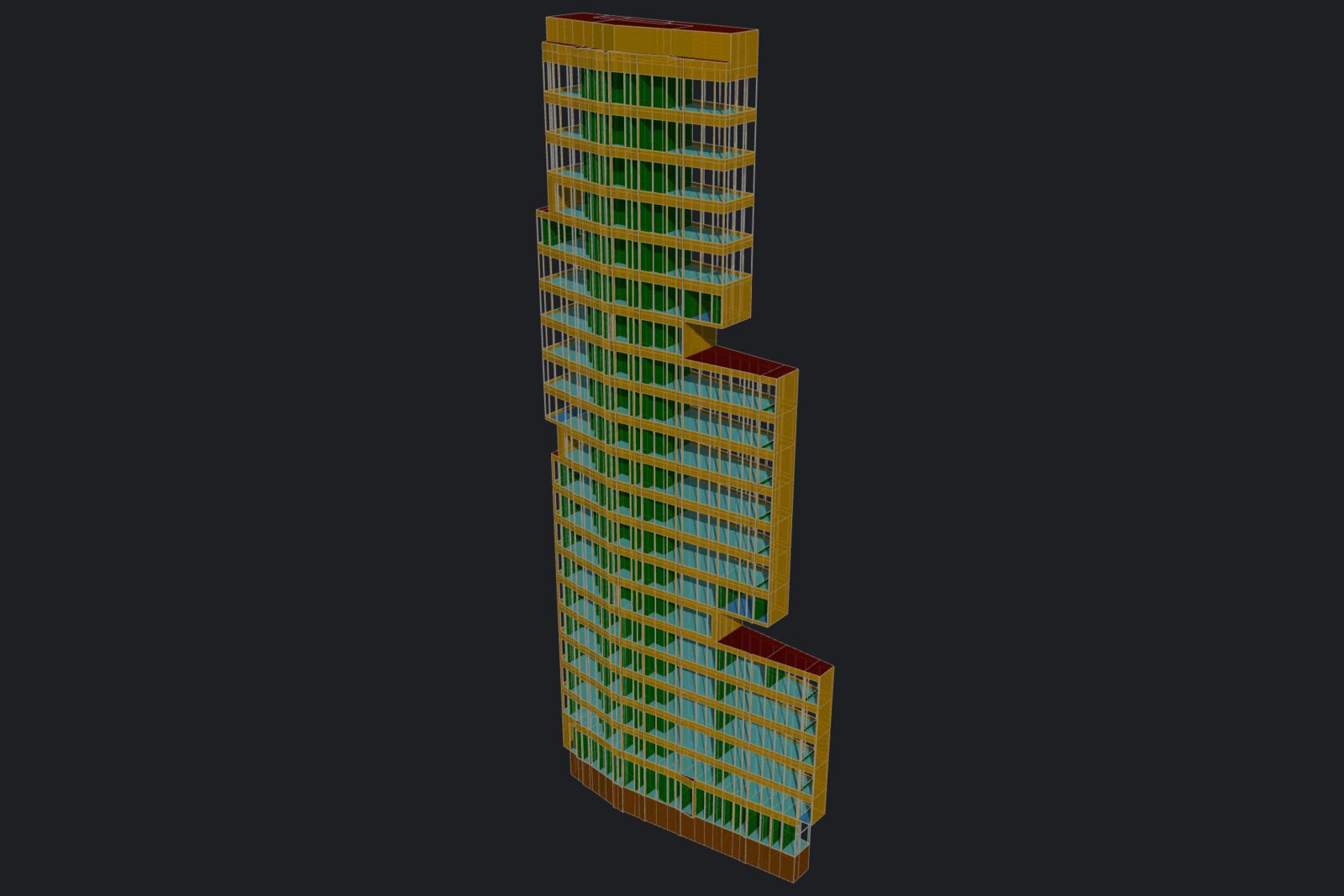
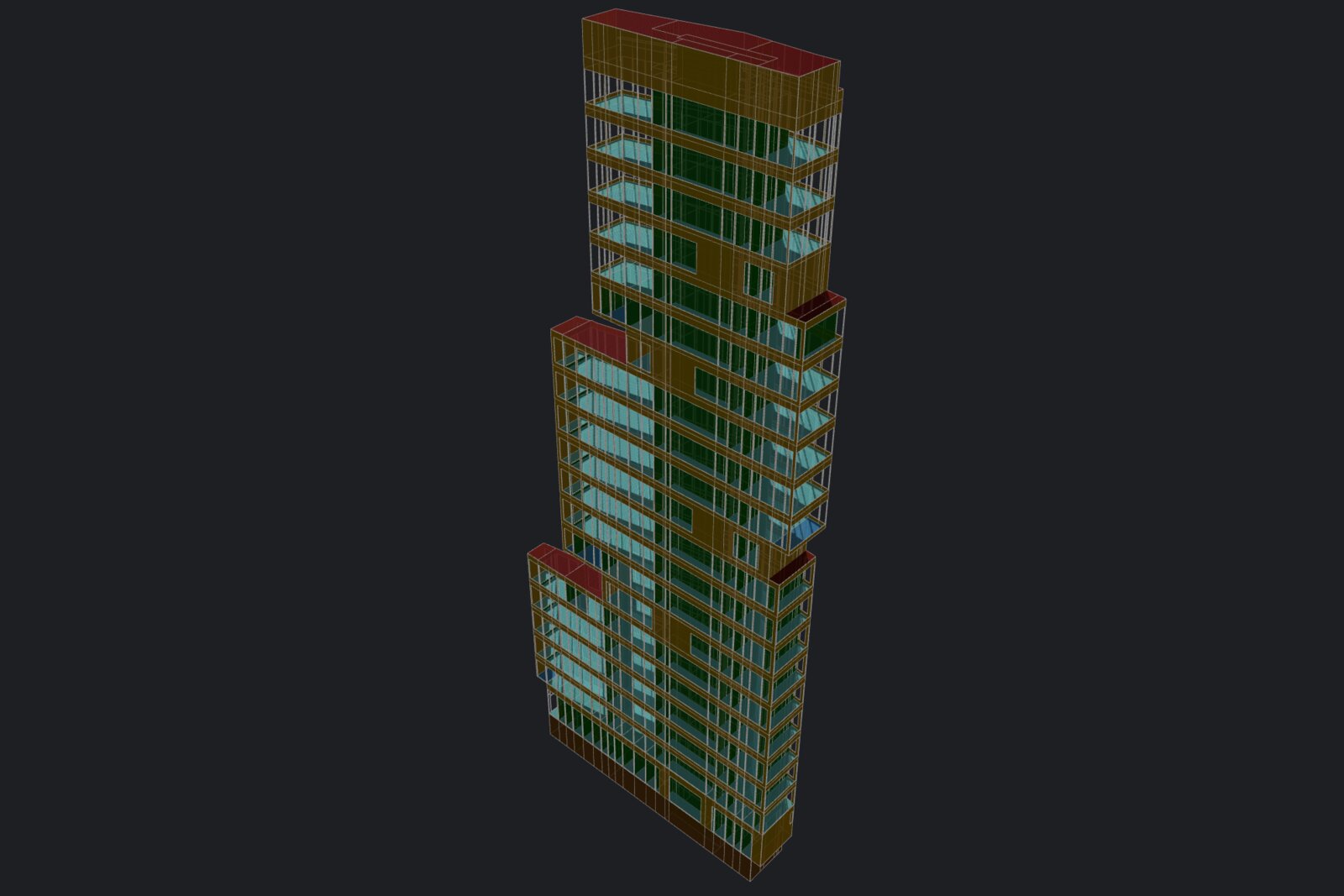
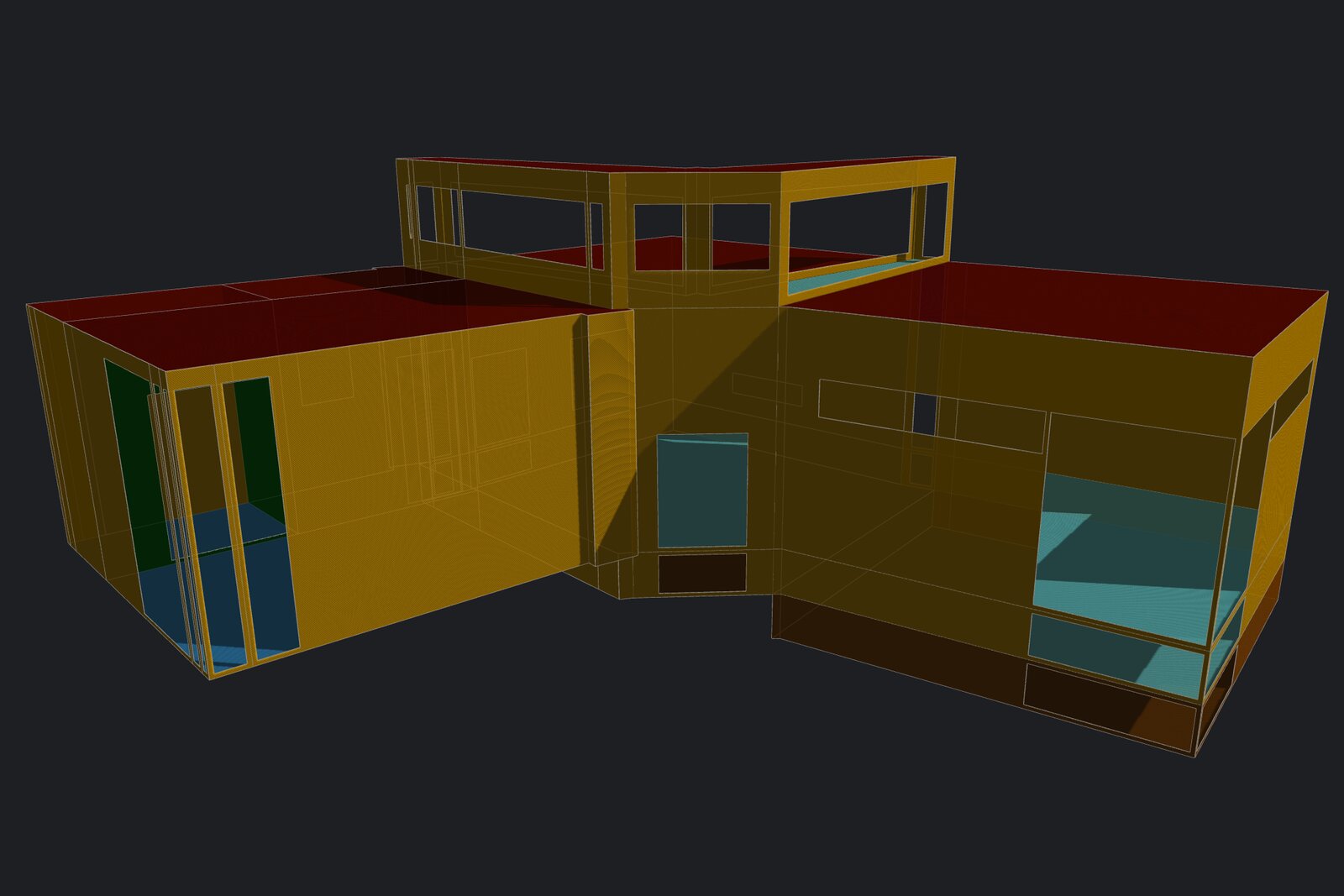
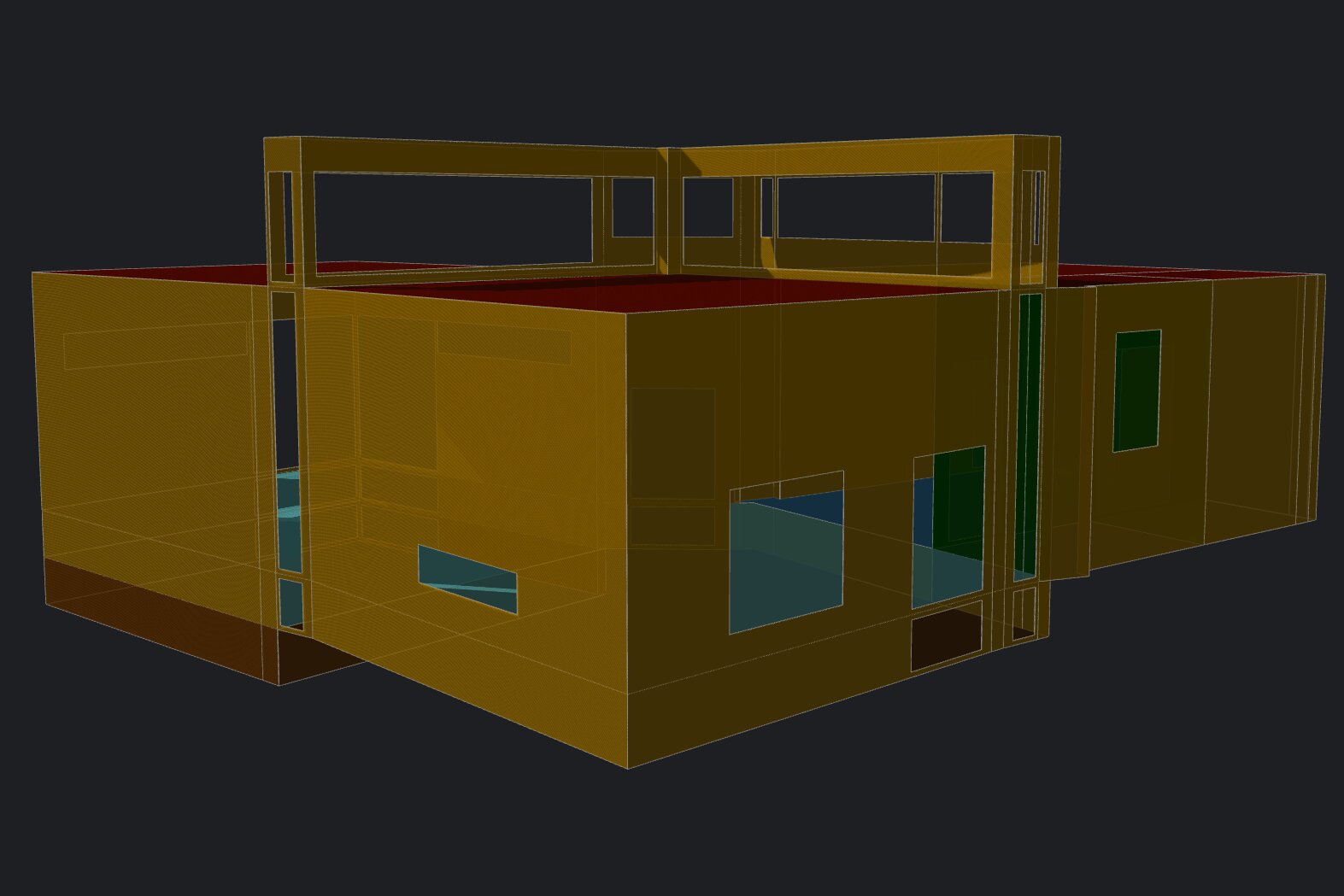
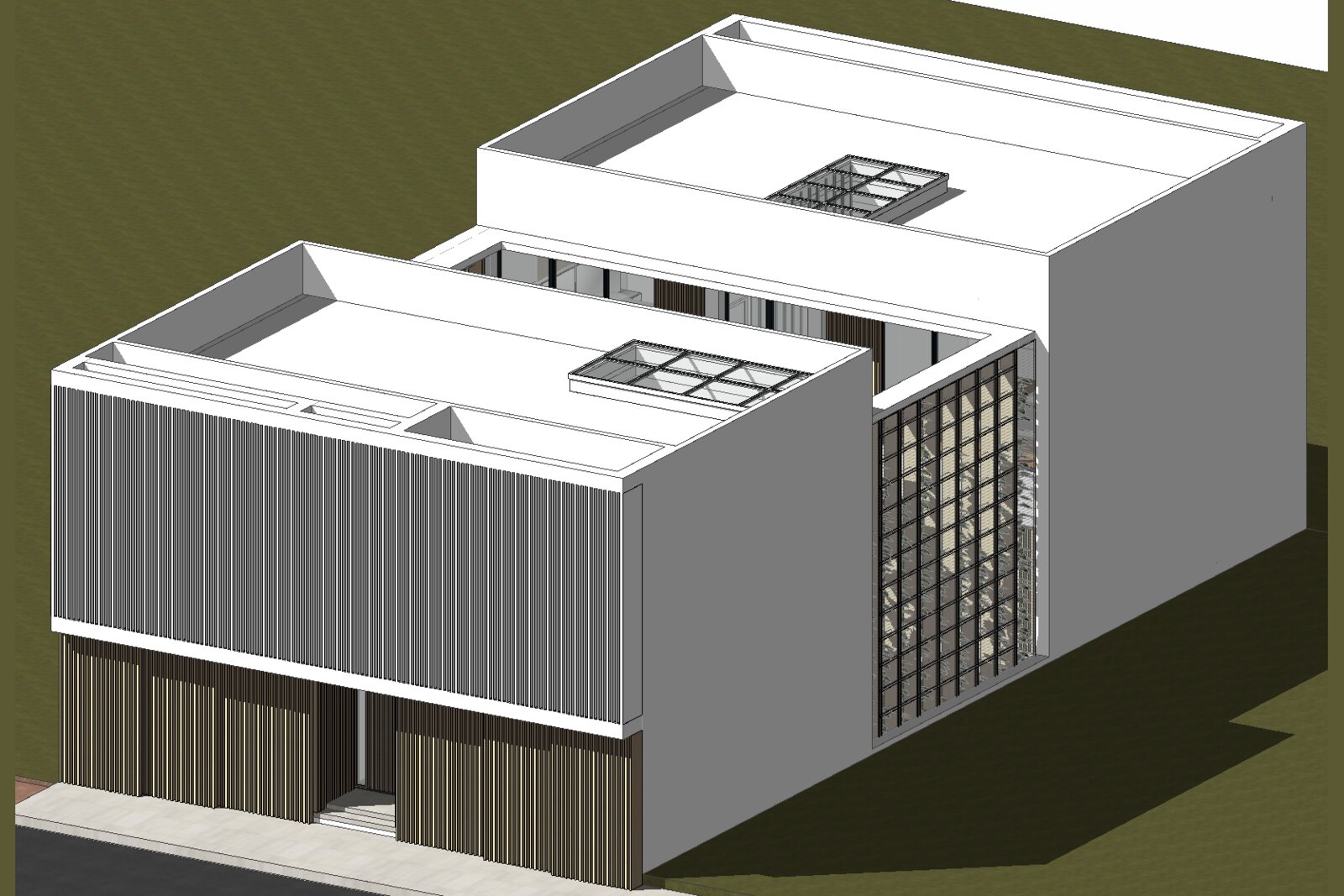
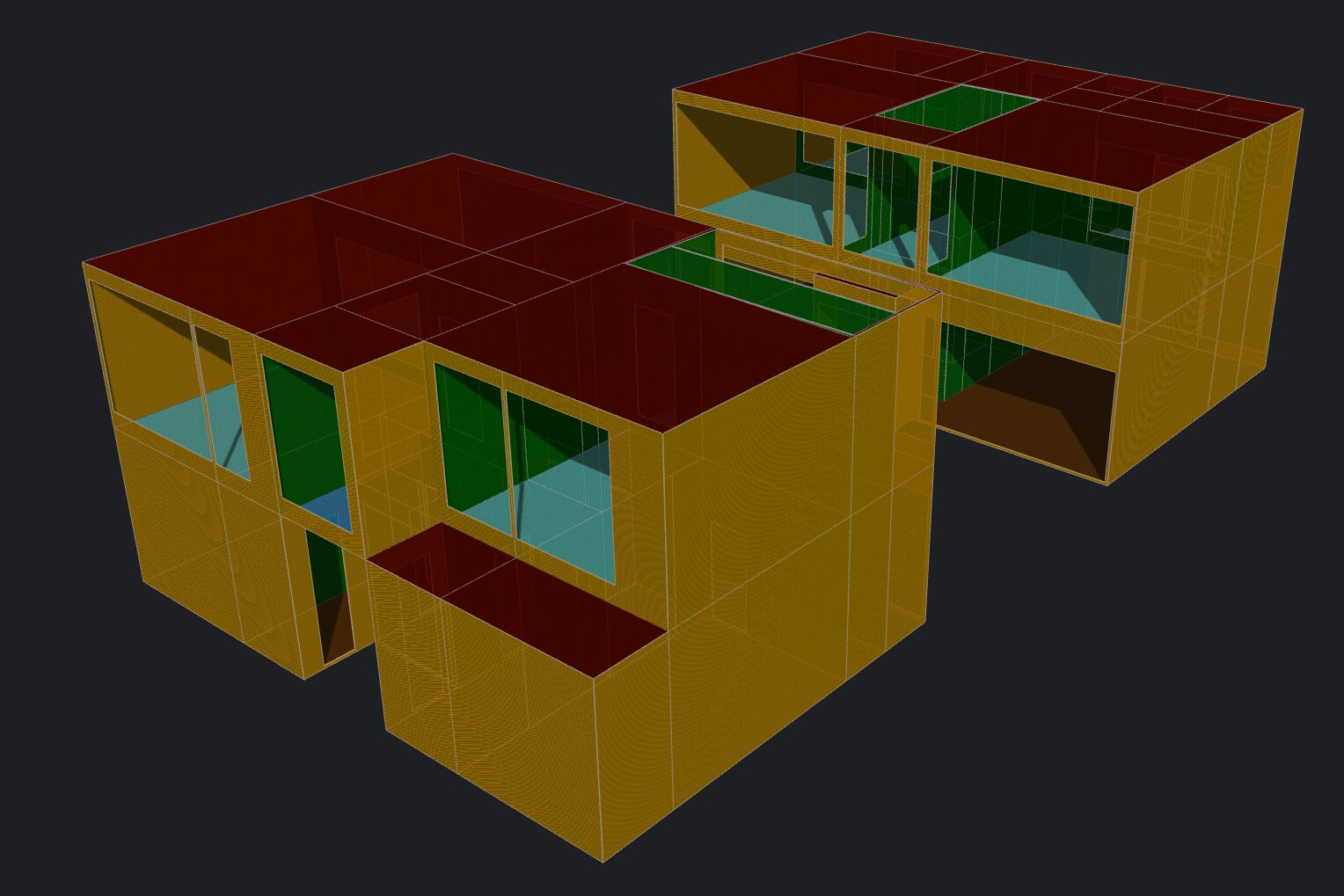
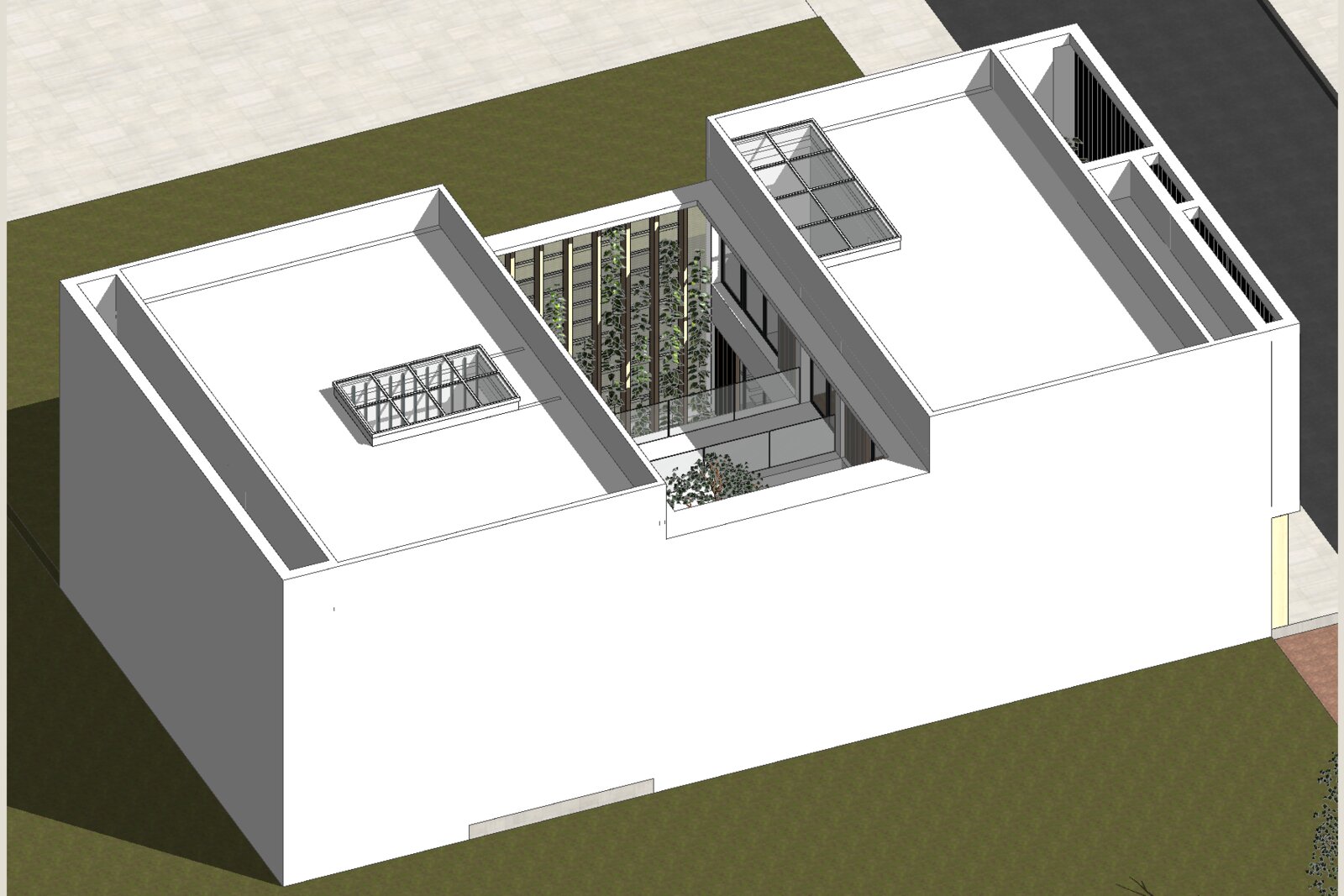
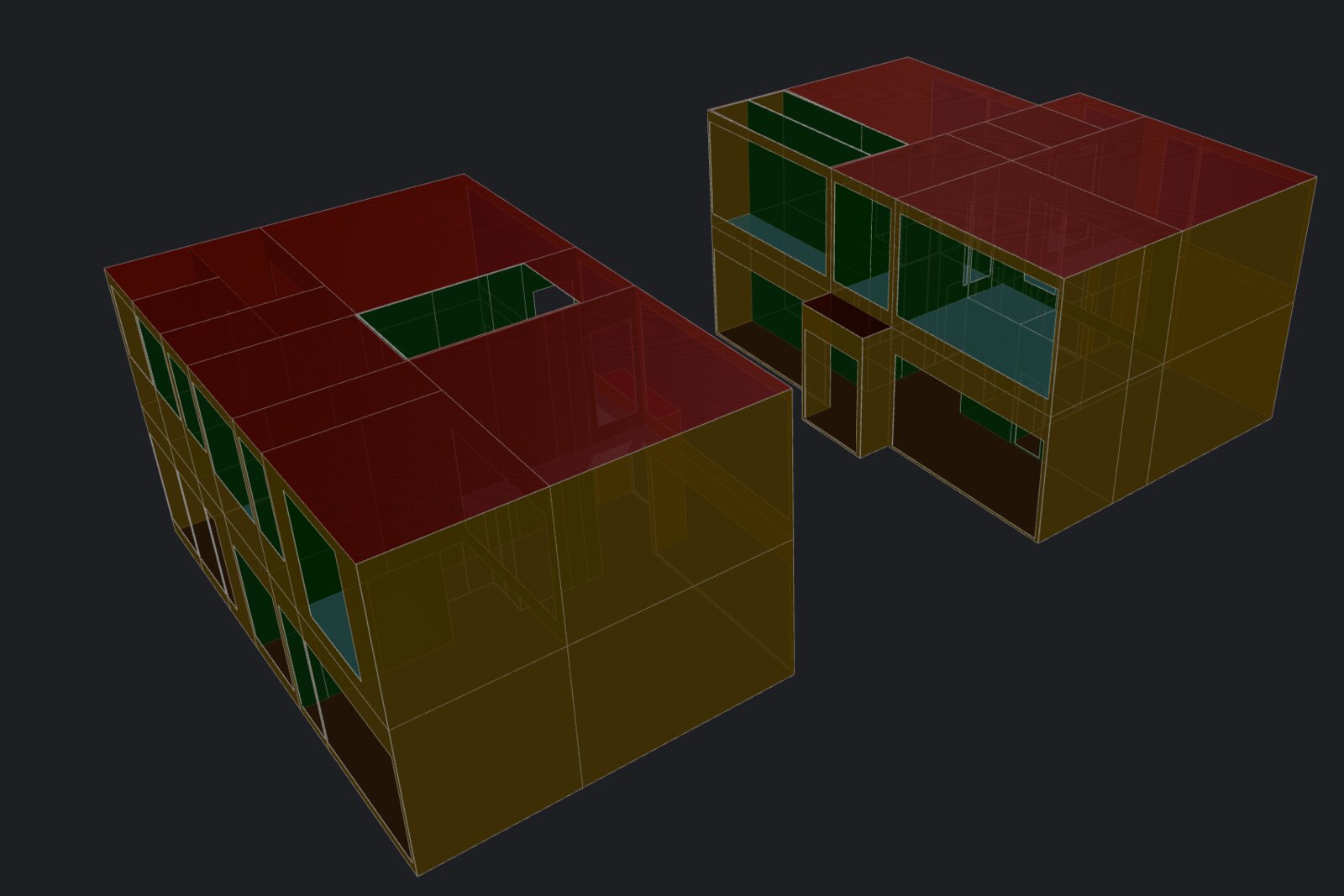
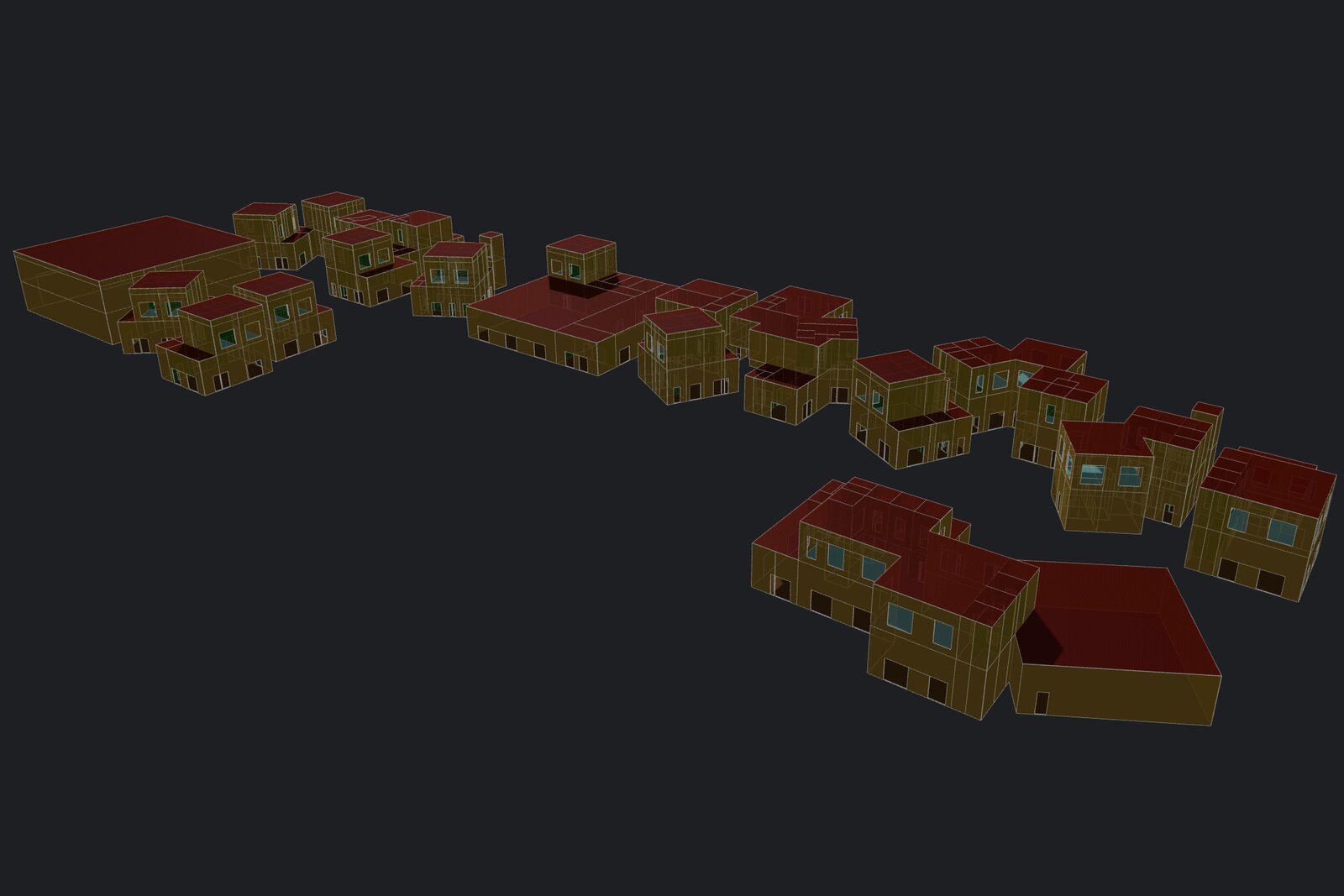
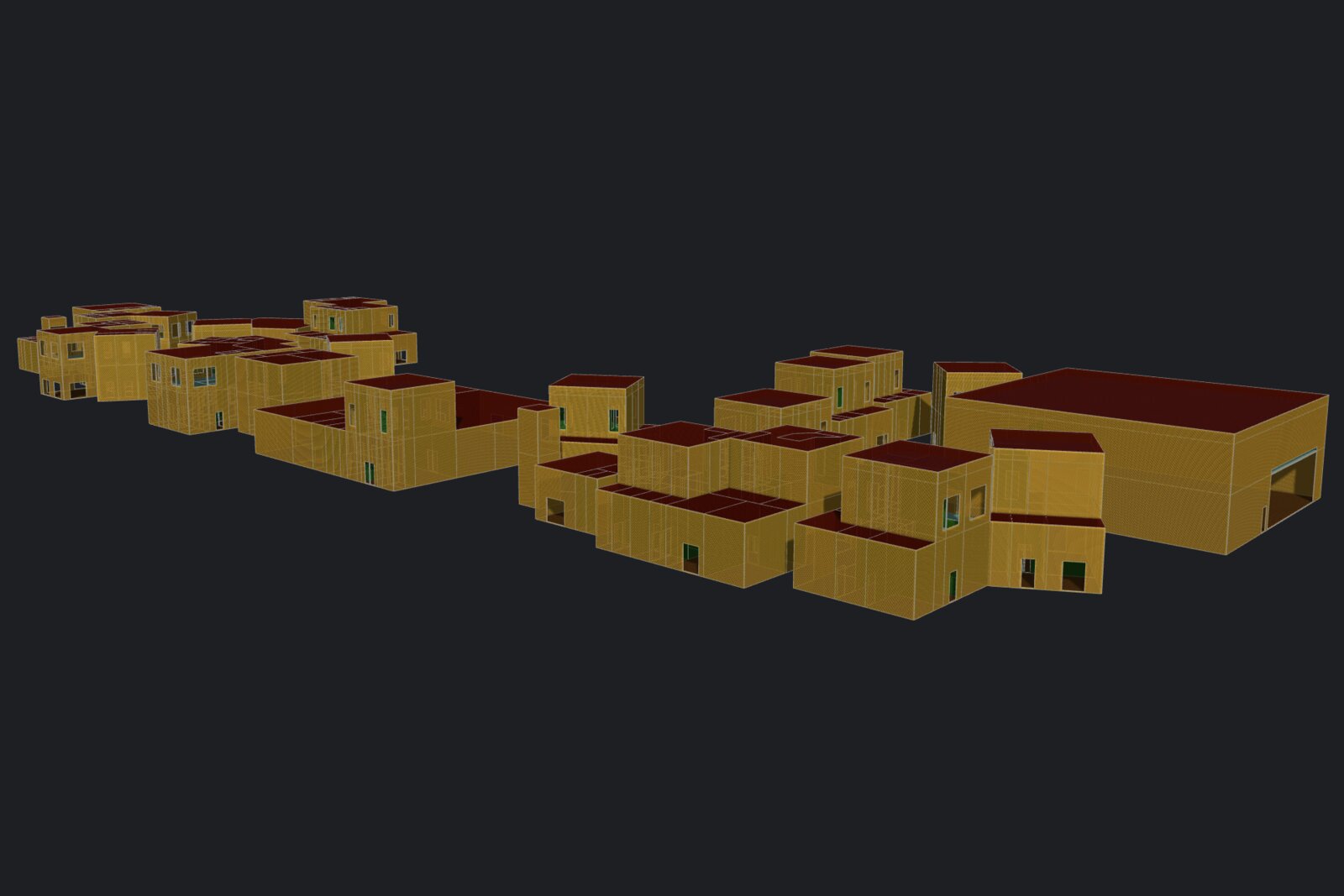
- Tevmo builds the energy model. Surface types are shown in different colors for a quick visual check.
- Export the energy model to gbXML.
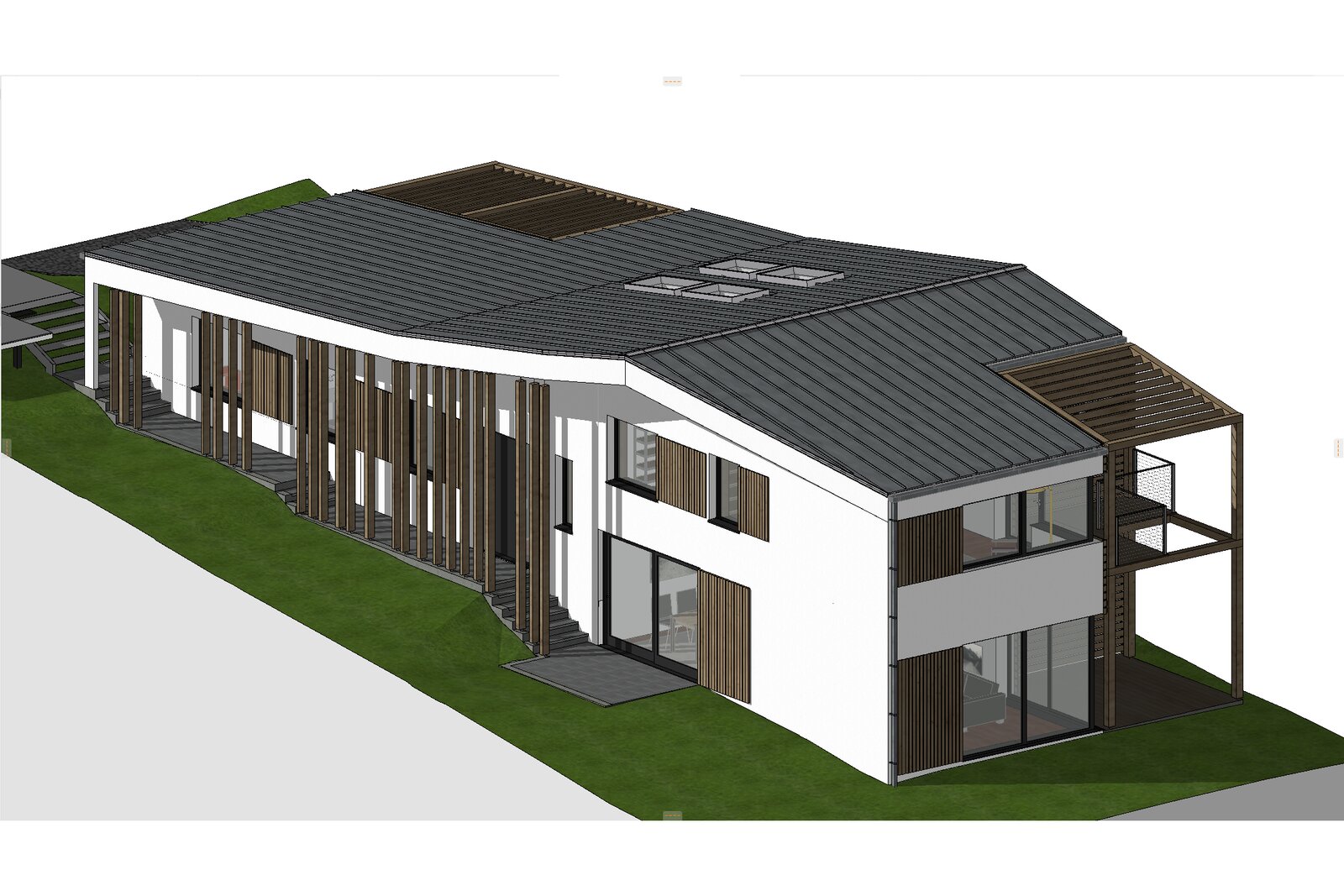
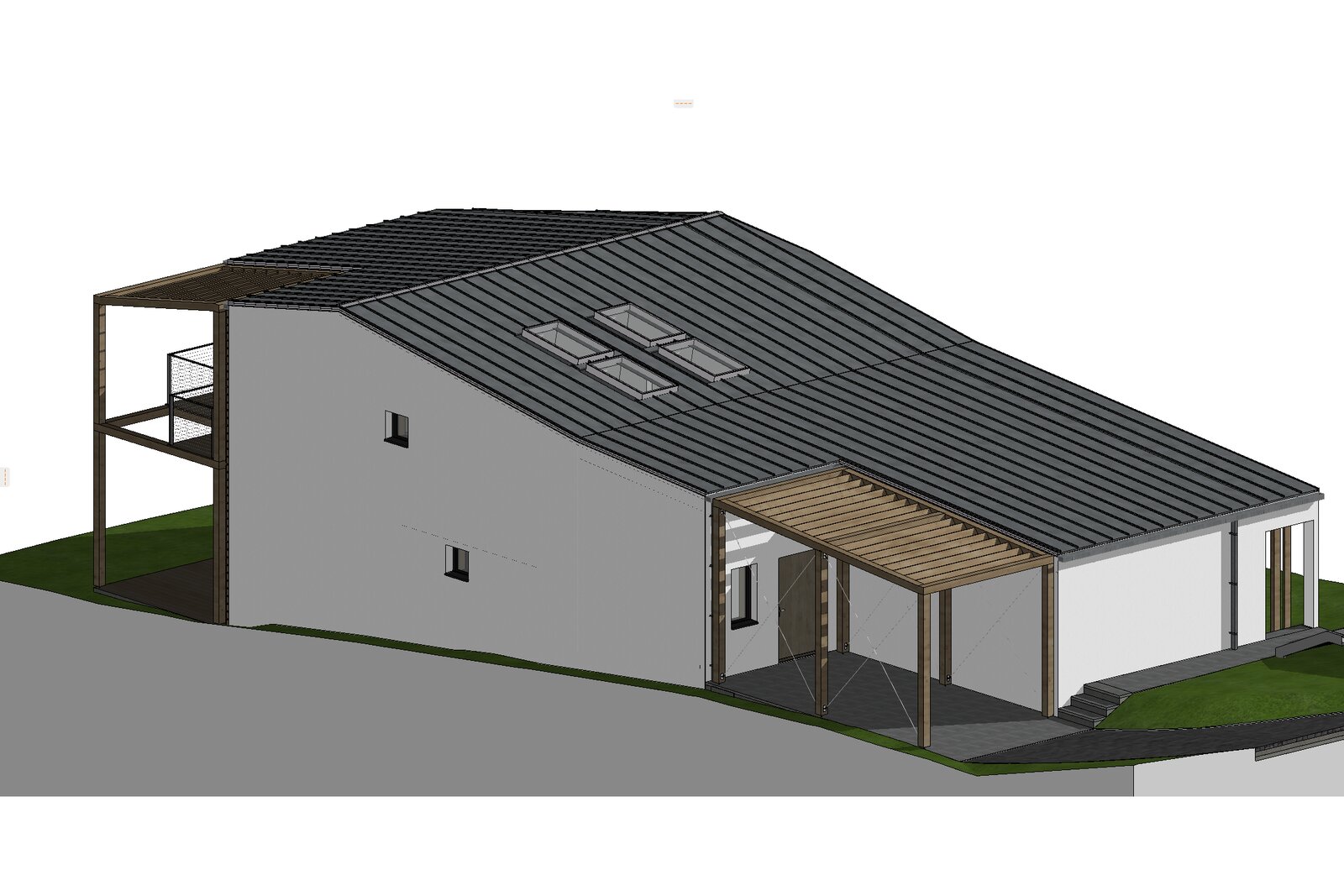
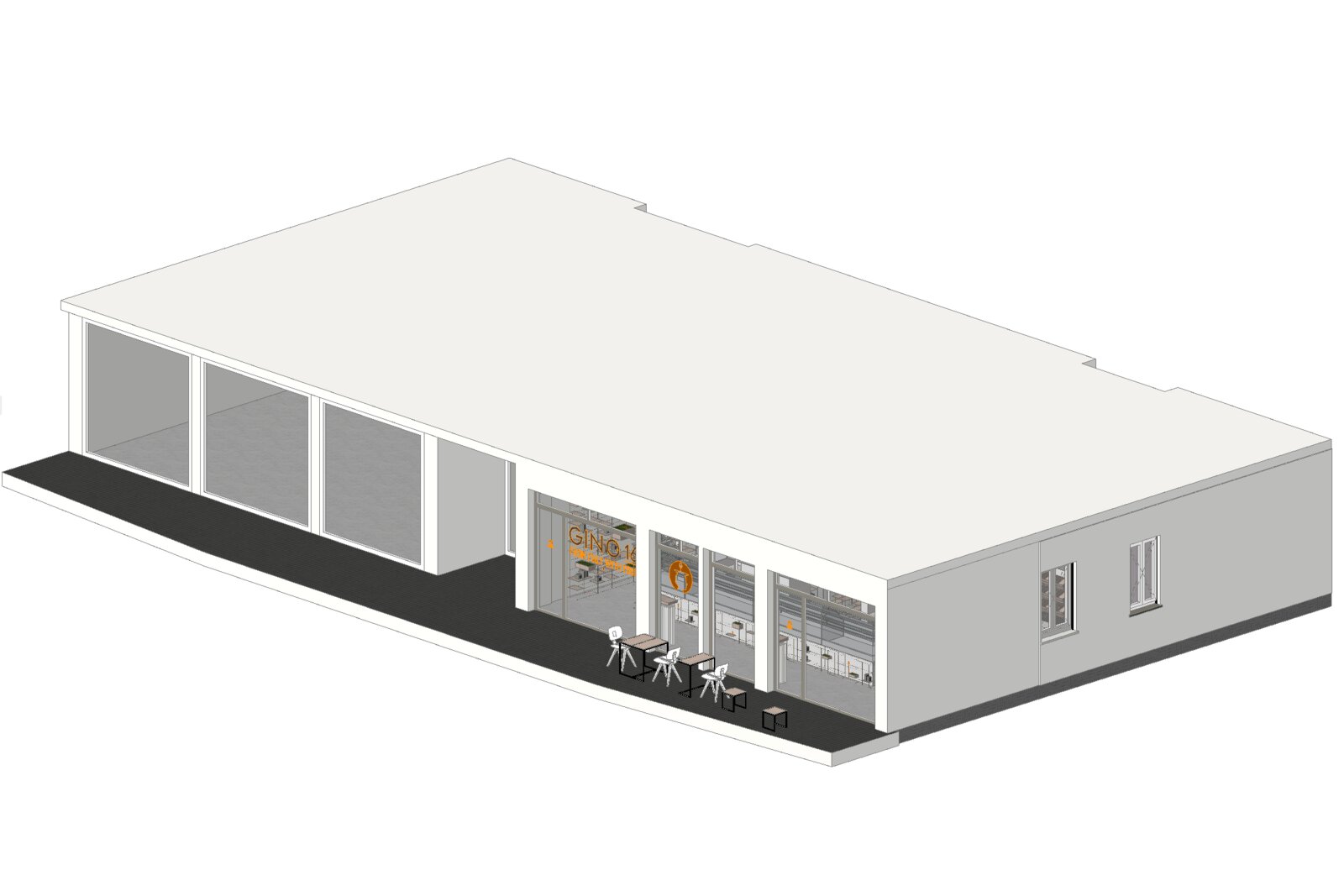
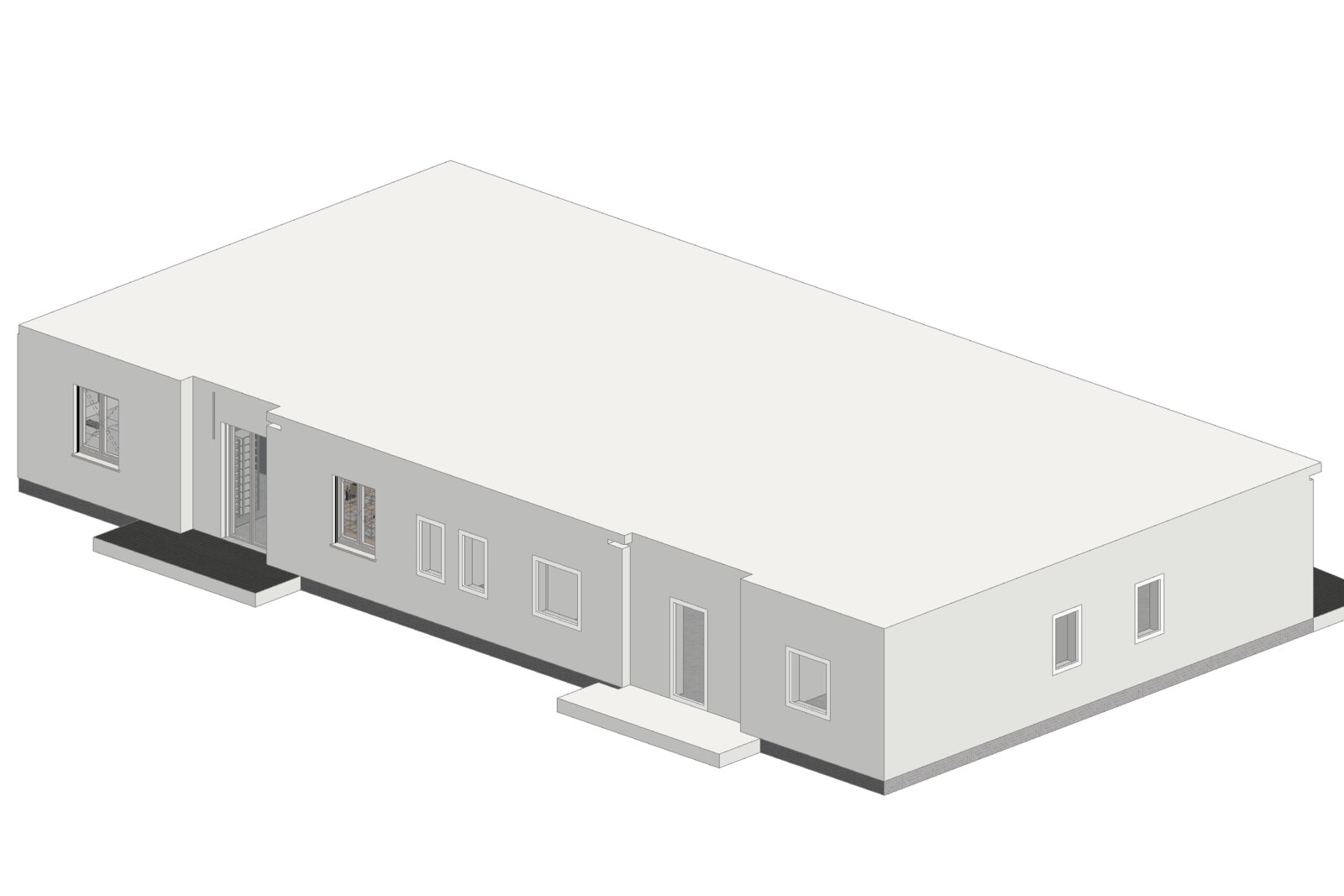
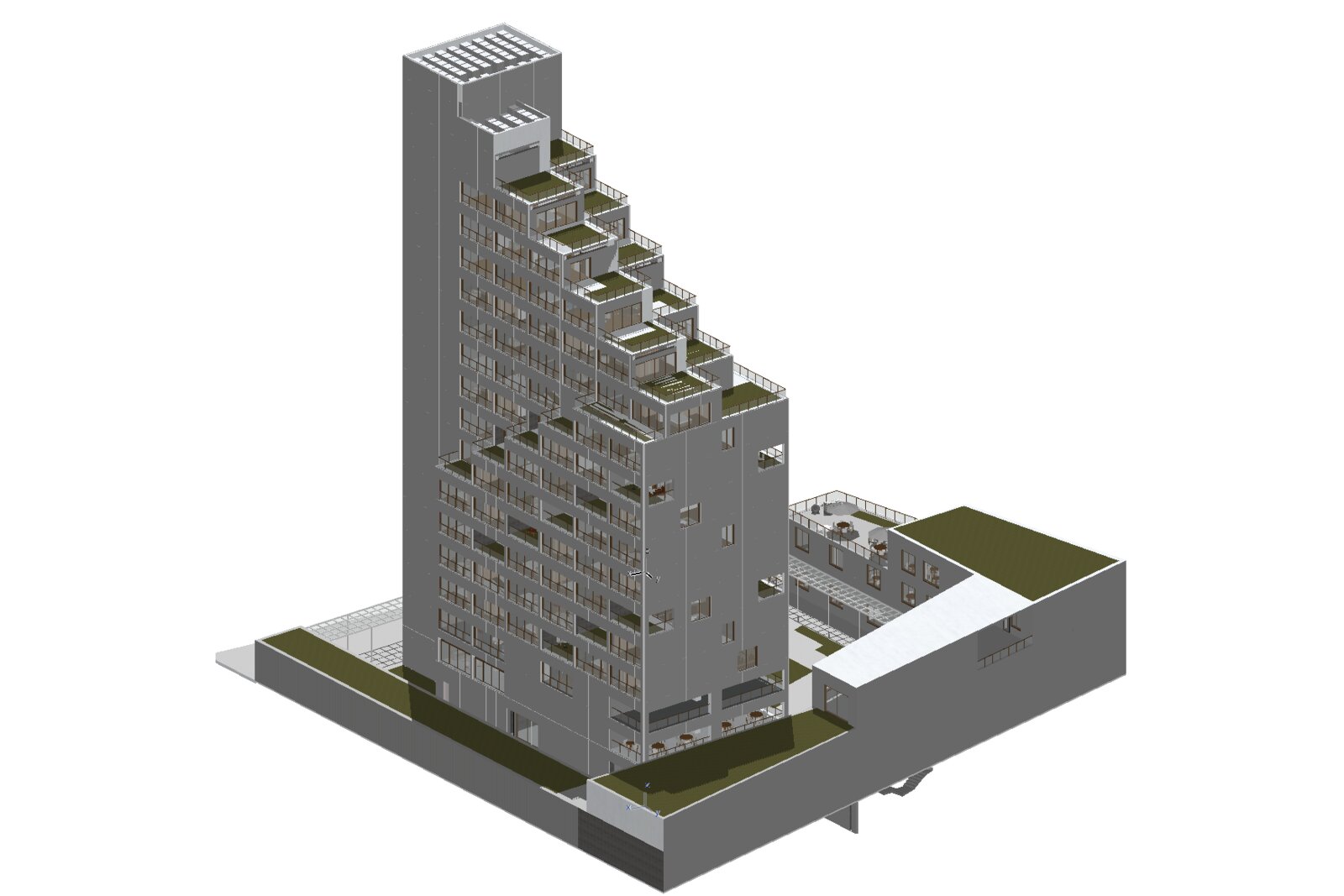
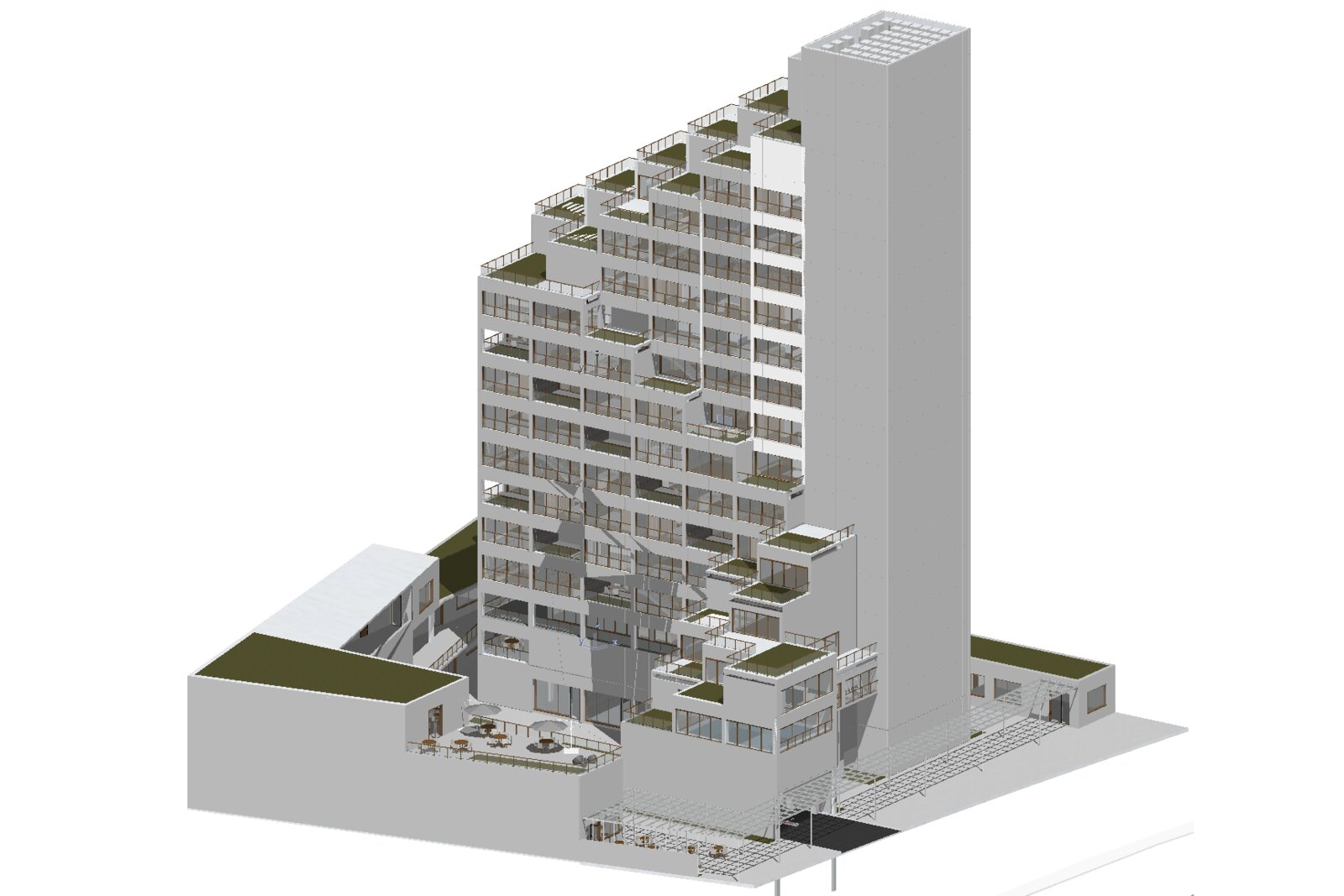
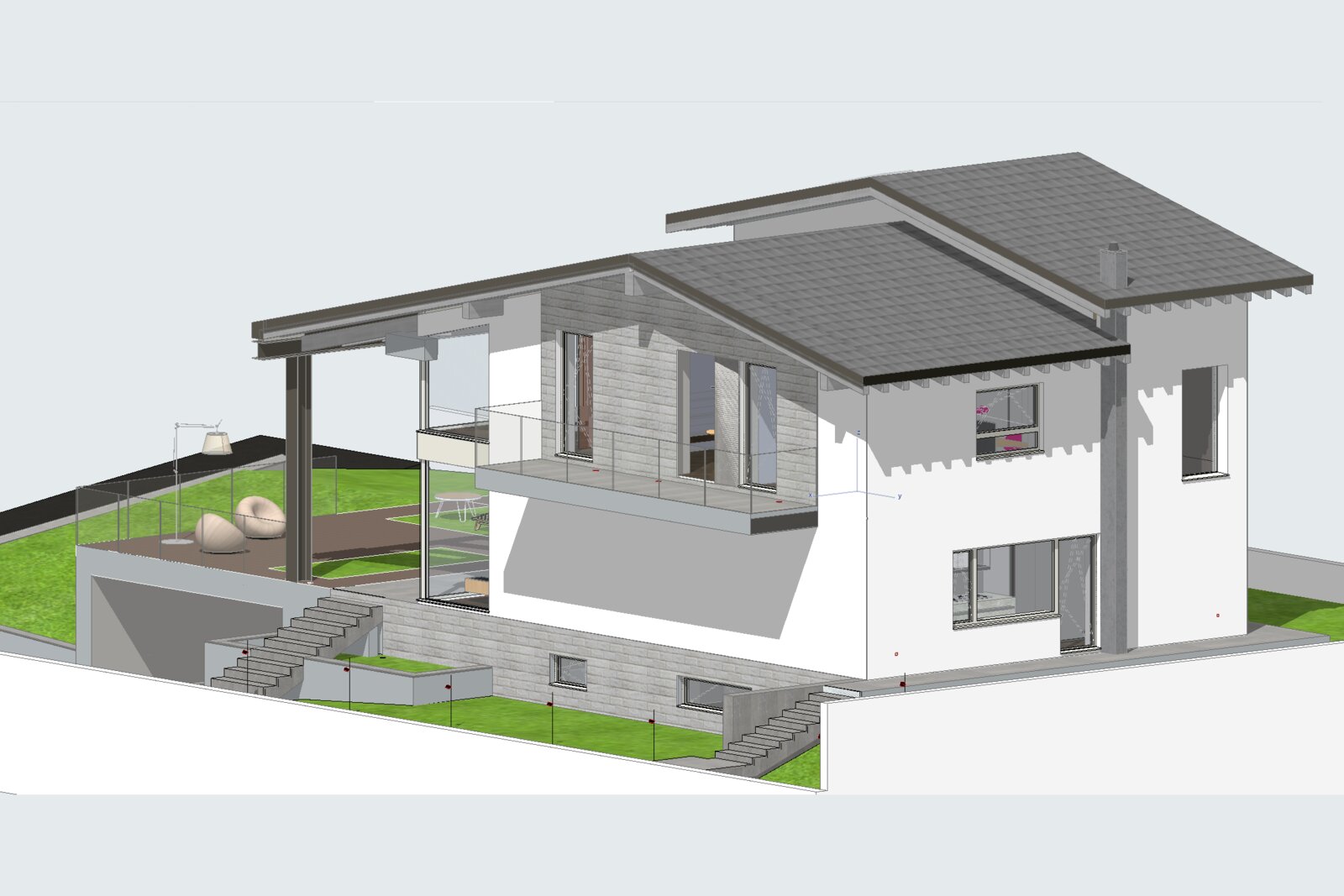
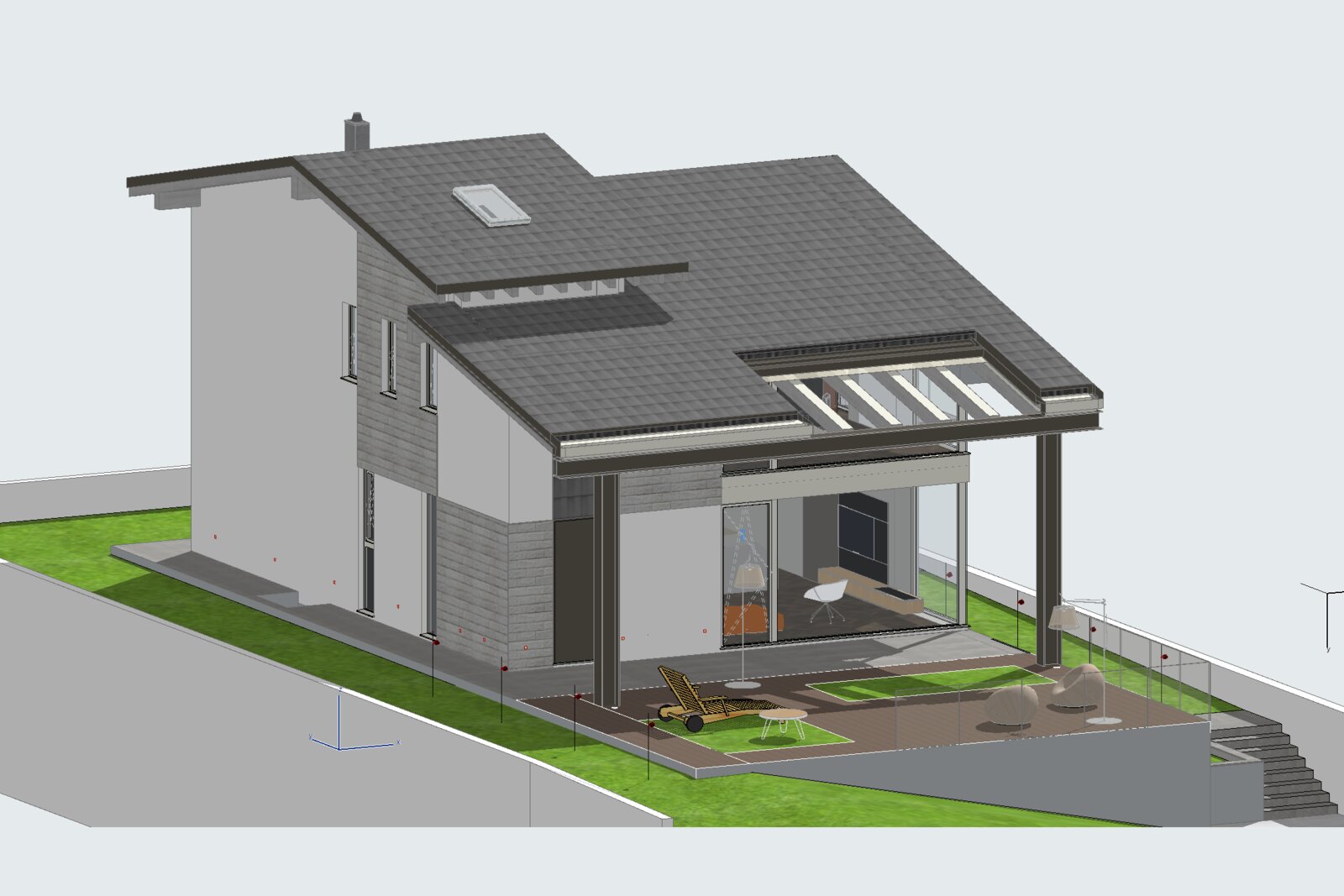
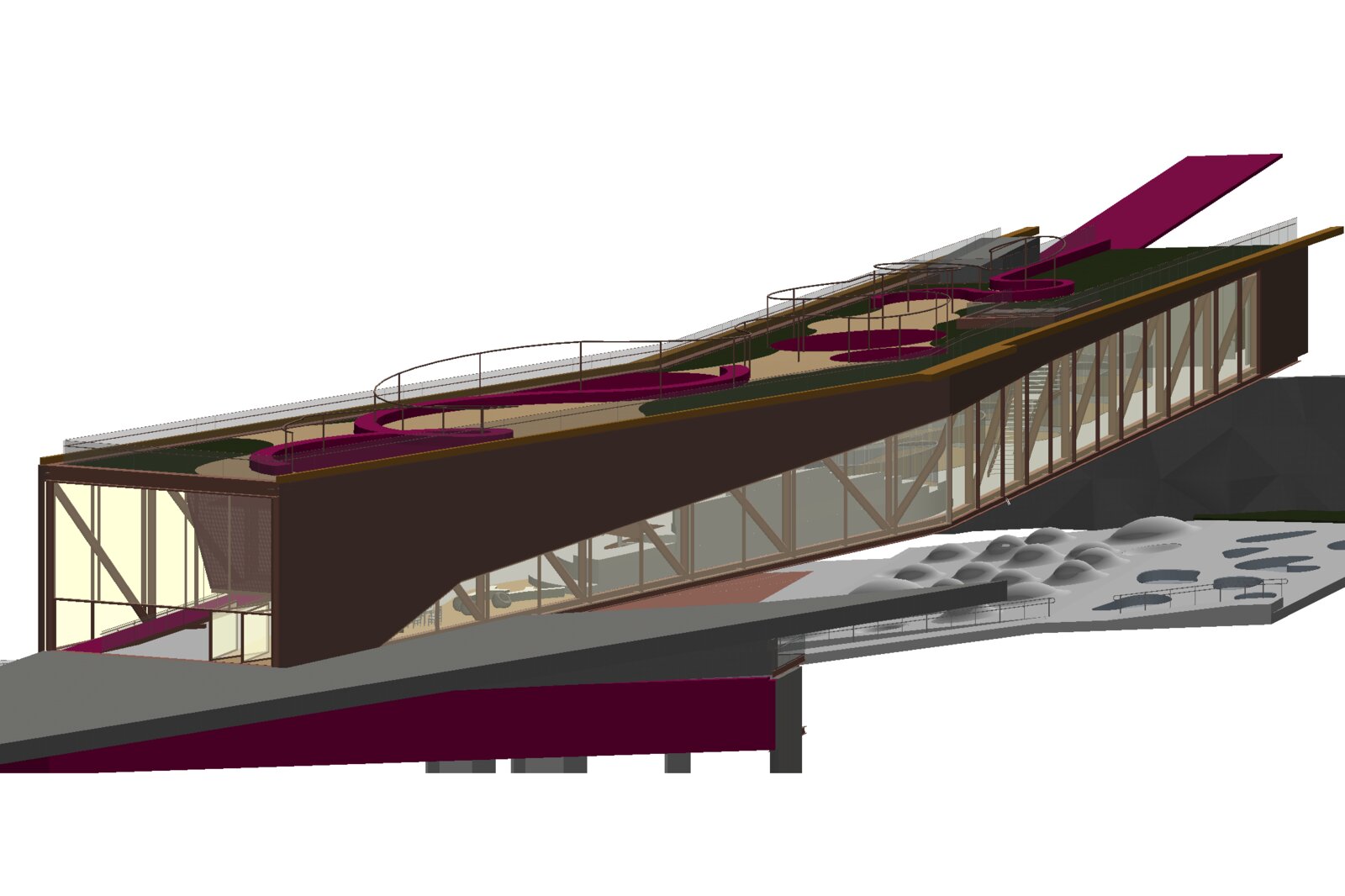
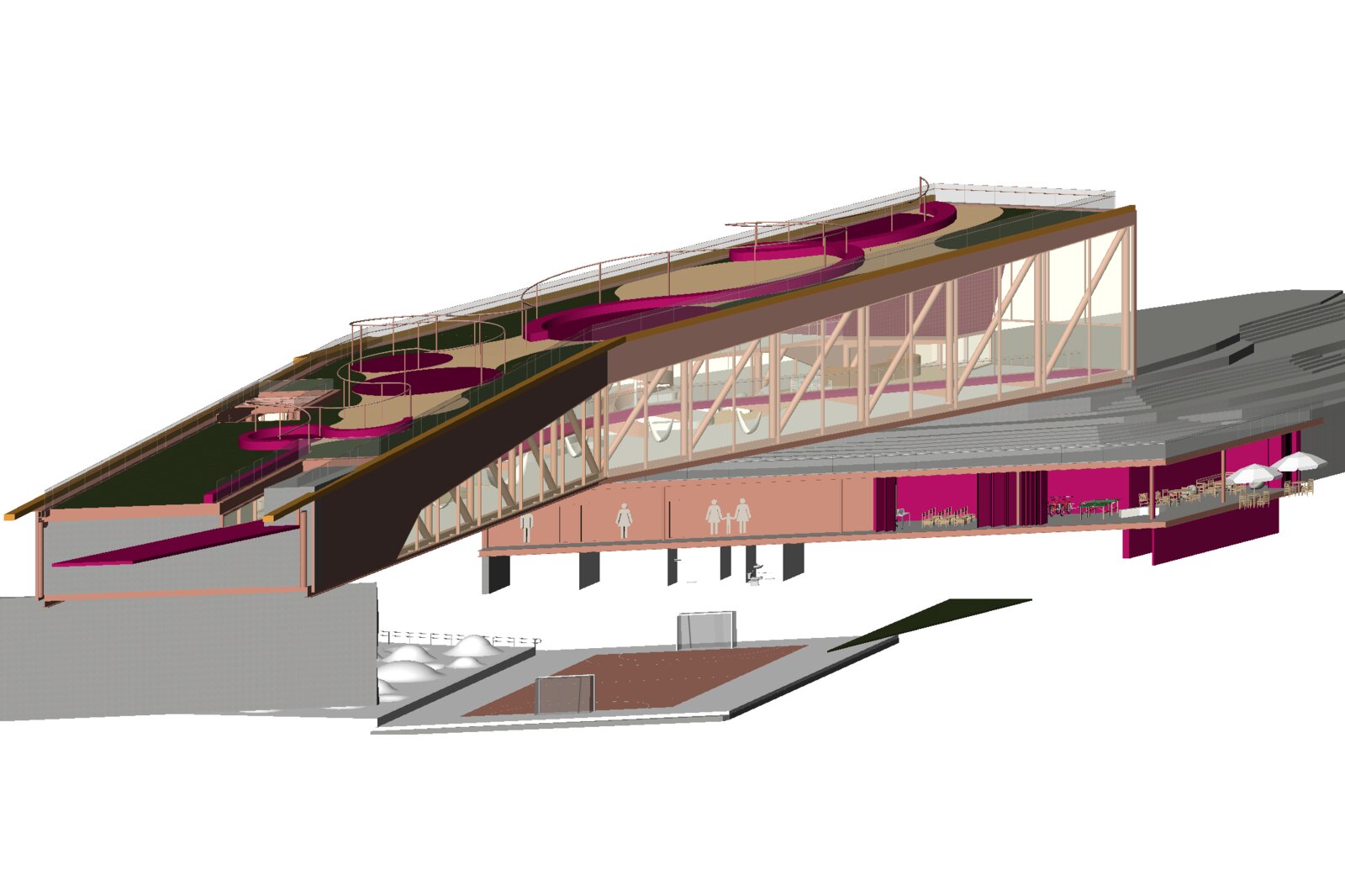
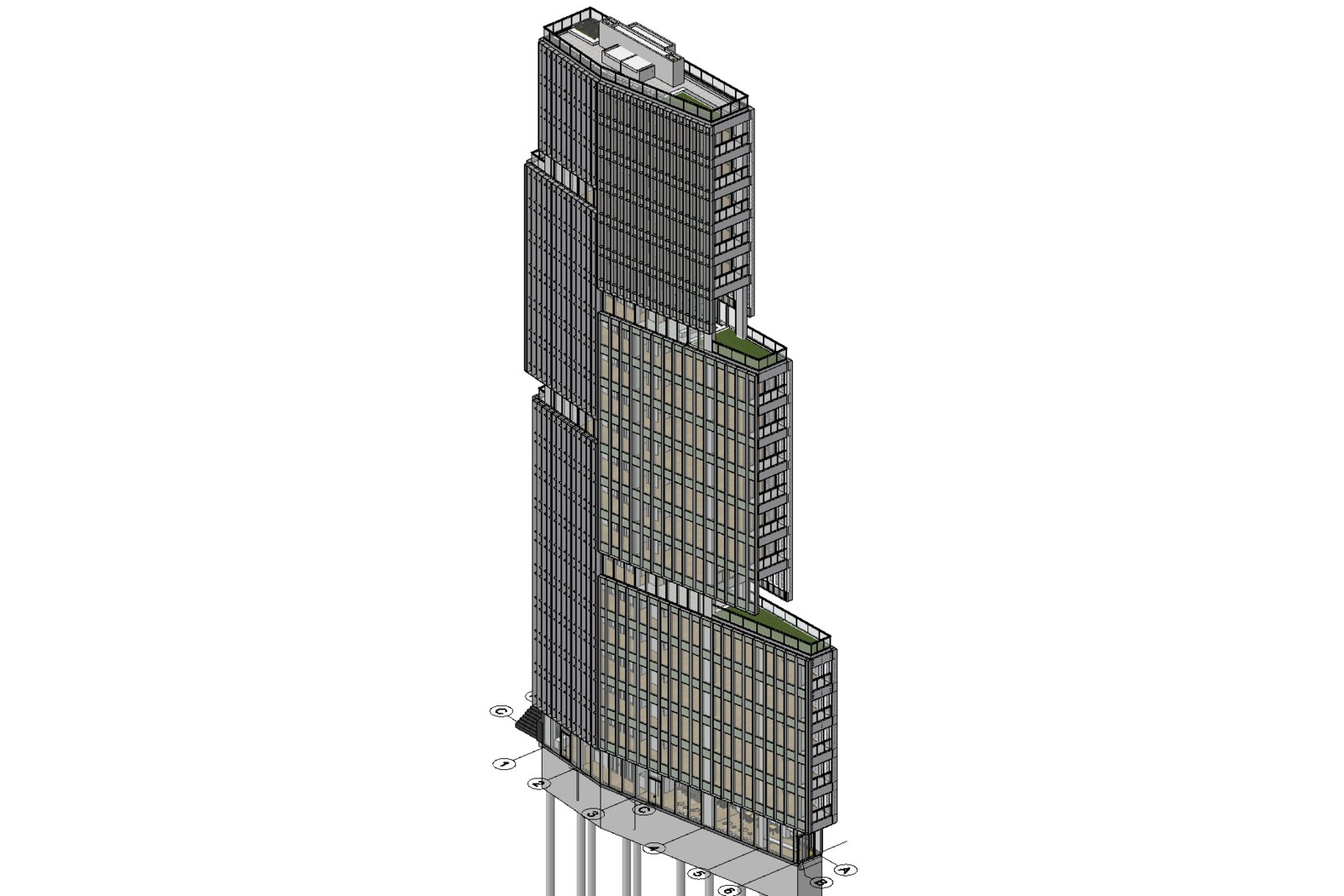
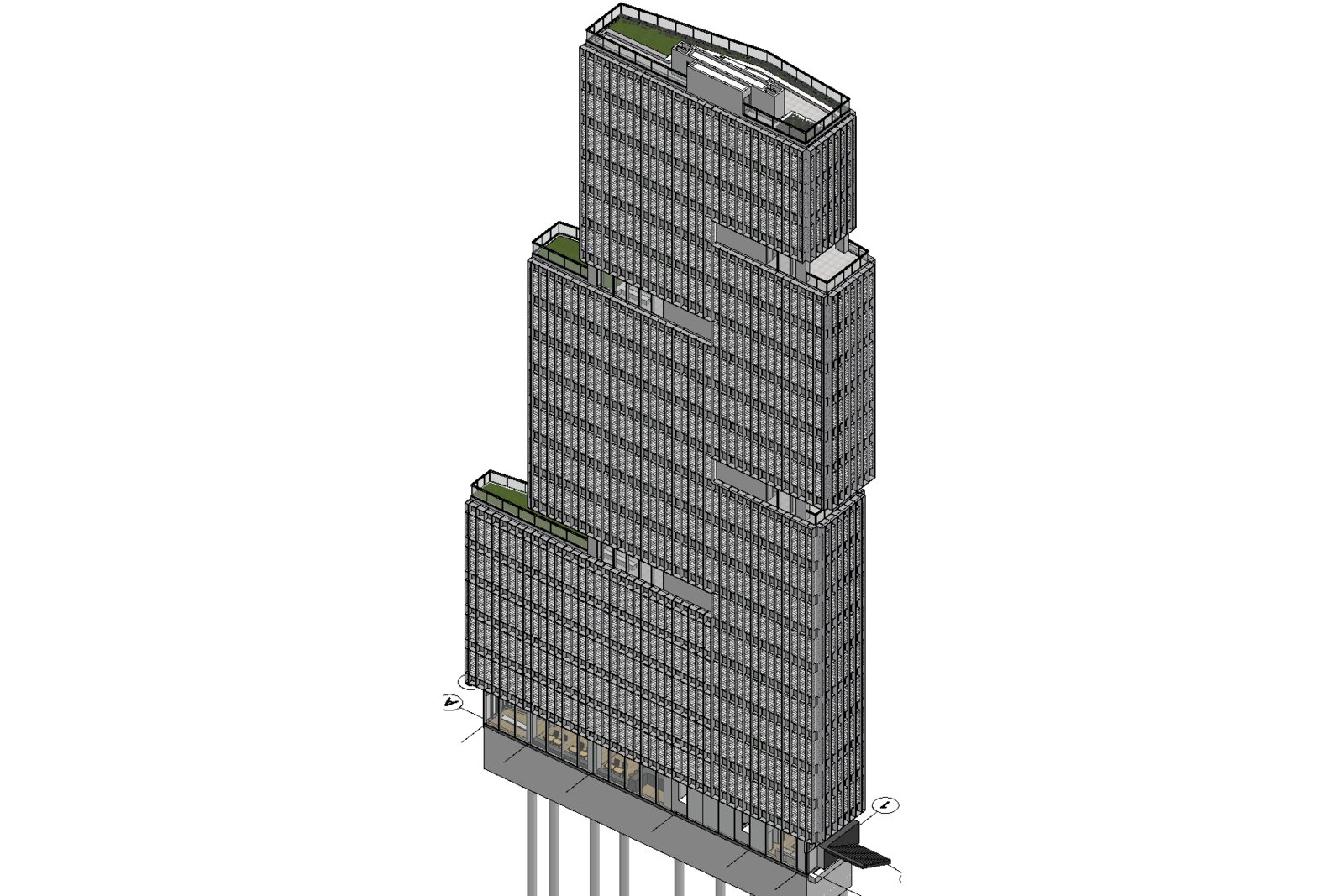
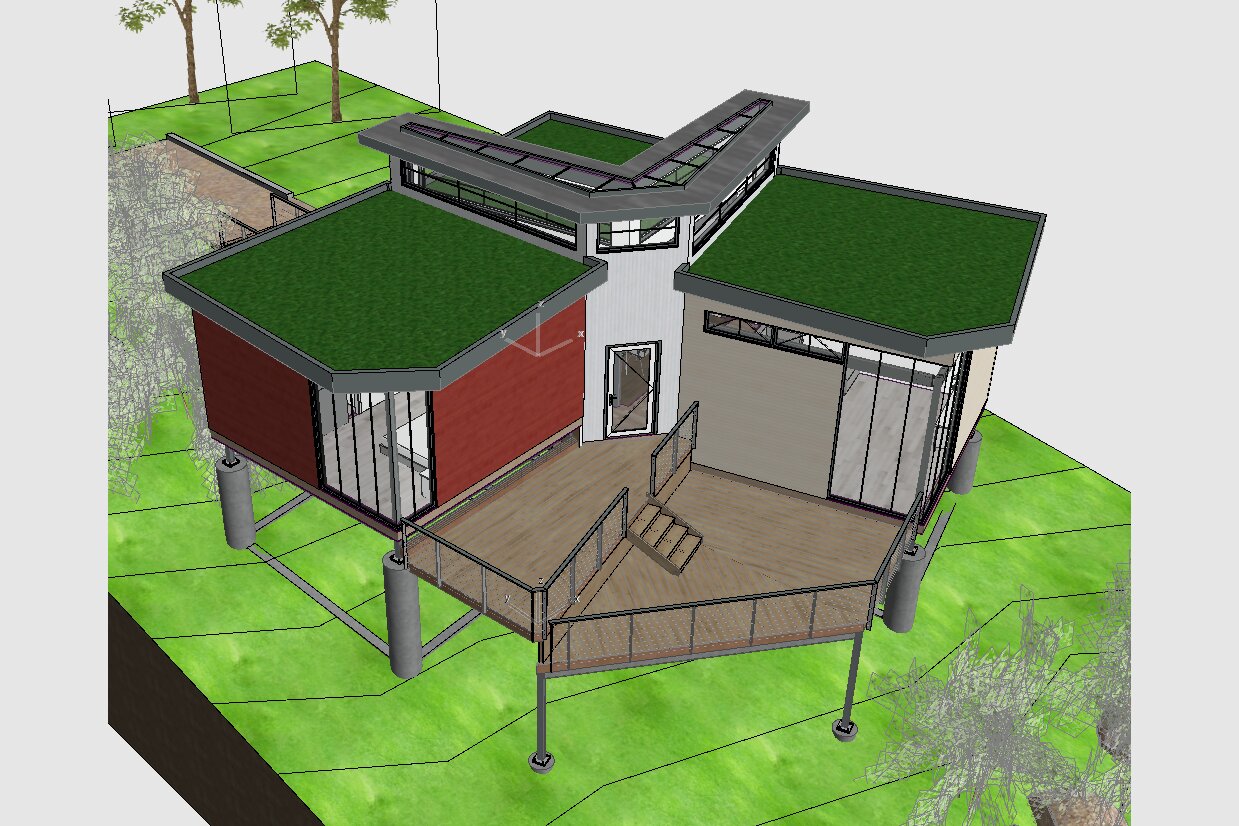
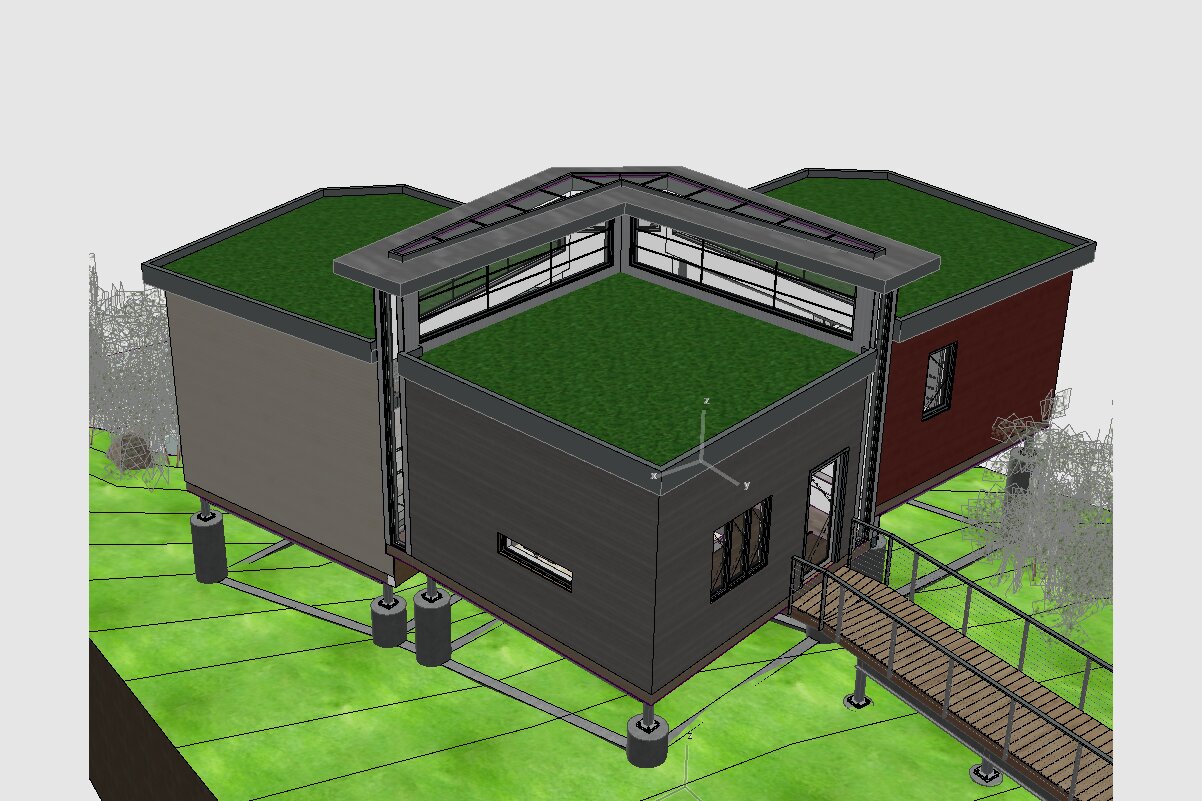
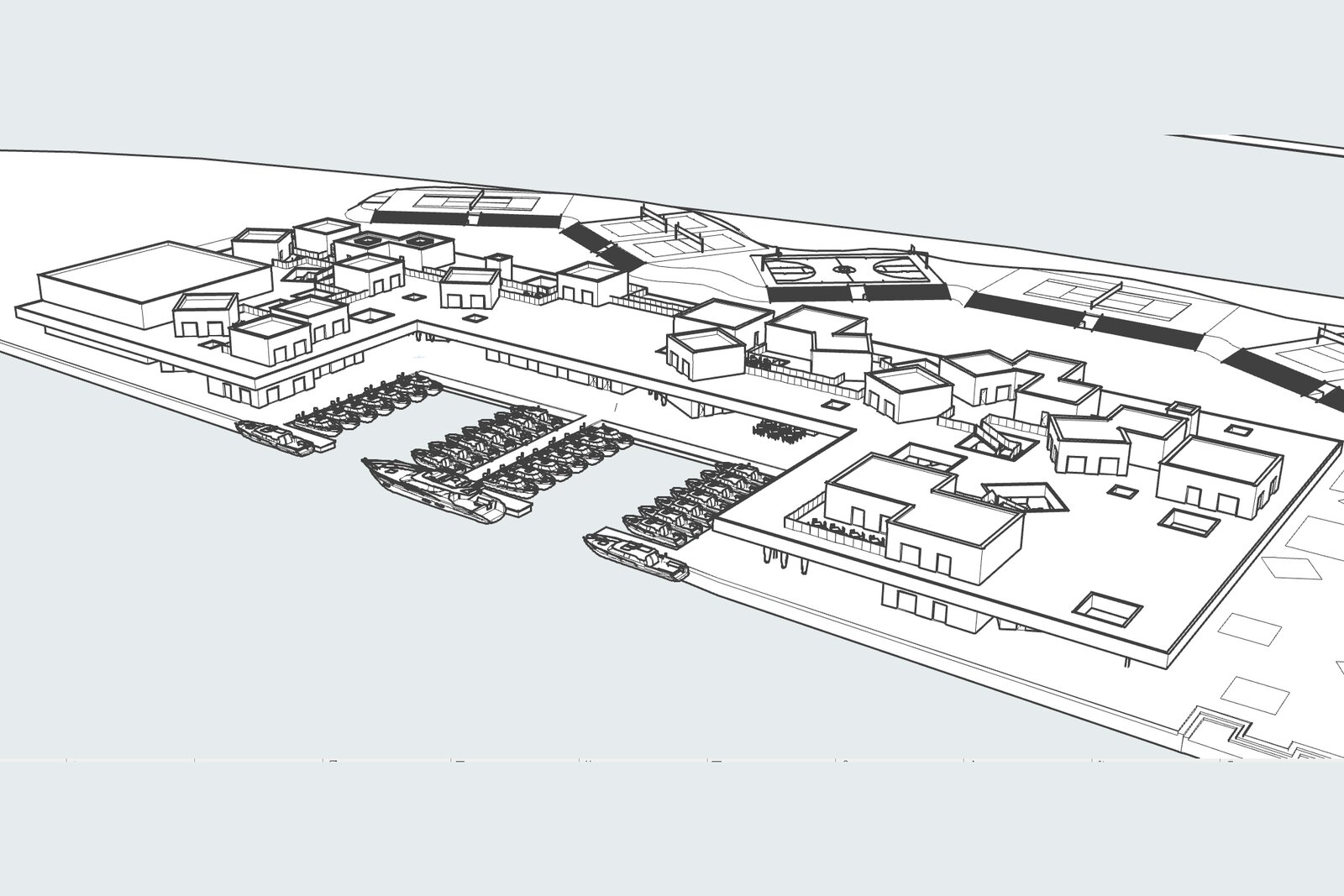
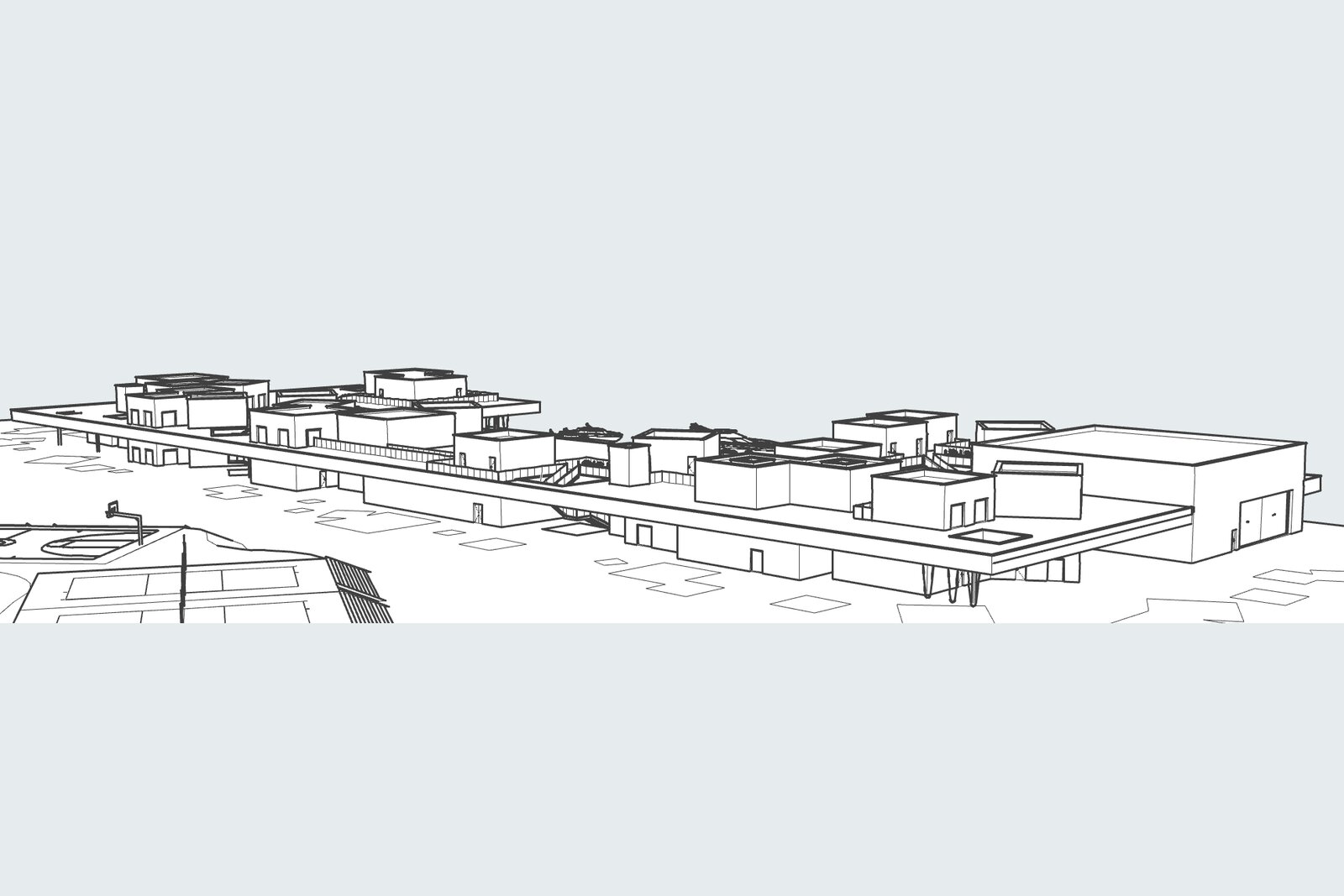
The examples below are built from the sample projects published by Graphisoft, the developer of Archicad. For each project you see two views of the original Archicad model and the energy model built by Tevmo from the same viewpoints. Click an image to enlarge it. gbXML files for each project will be available for download.